Creative Coding 01
Going into this project I have an amount of experience with programming and a much smaller amount of experience with P5js so I was excited to try get back into it. I started by keeping it simple sticking to black and white and primitive shapes.
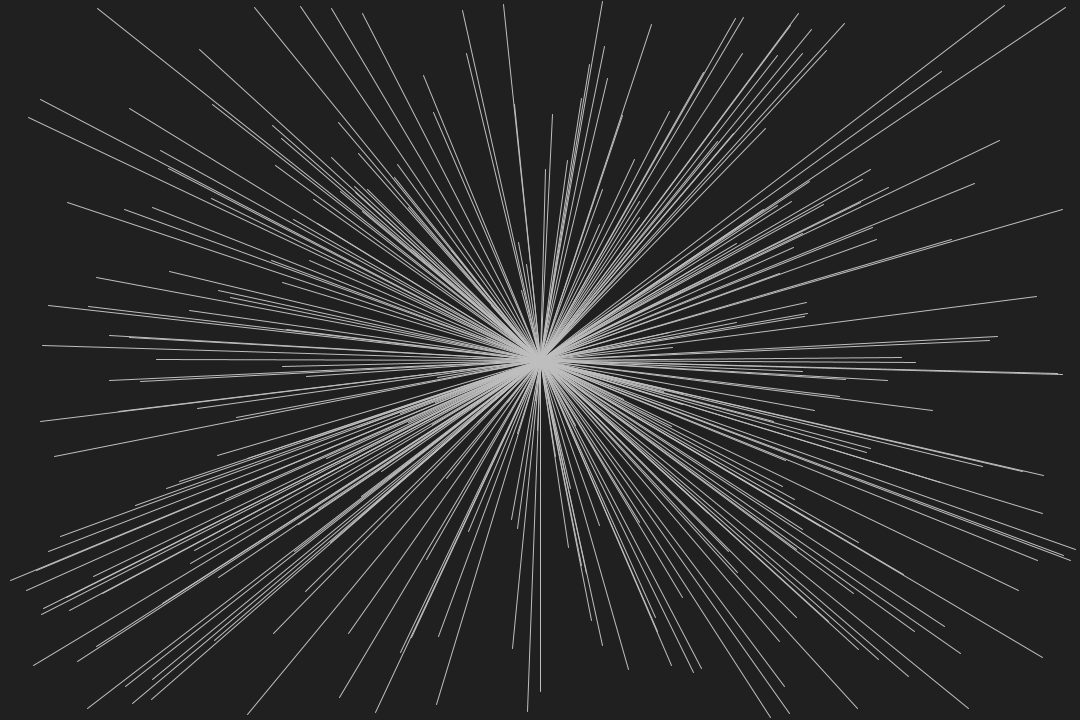
From here I decided to use movement continuing with the same colour scheme but starting to use opacity with the ellipse function where the x coordinate is controlled by frameCount and the width and breadth of the ellipse is controlled by movement of the mouse.
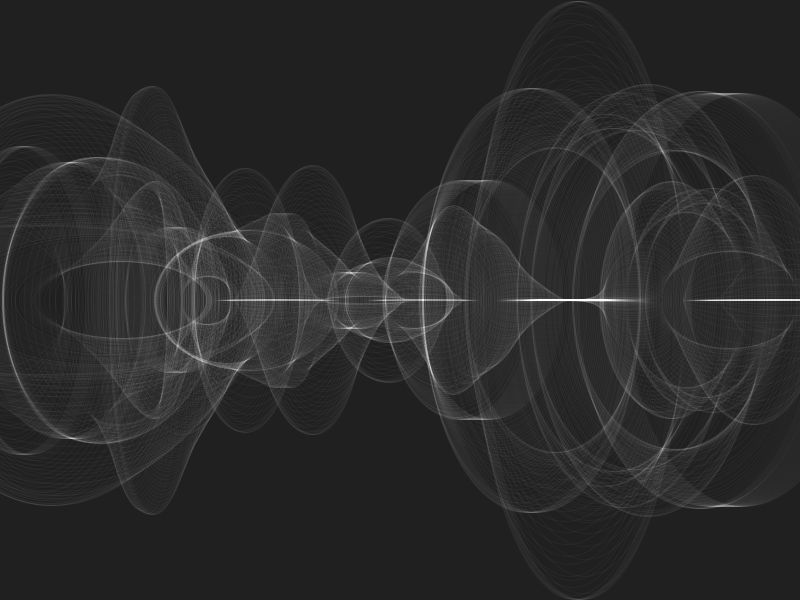
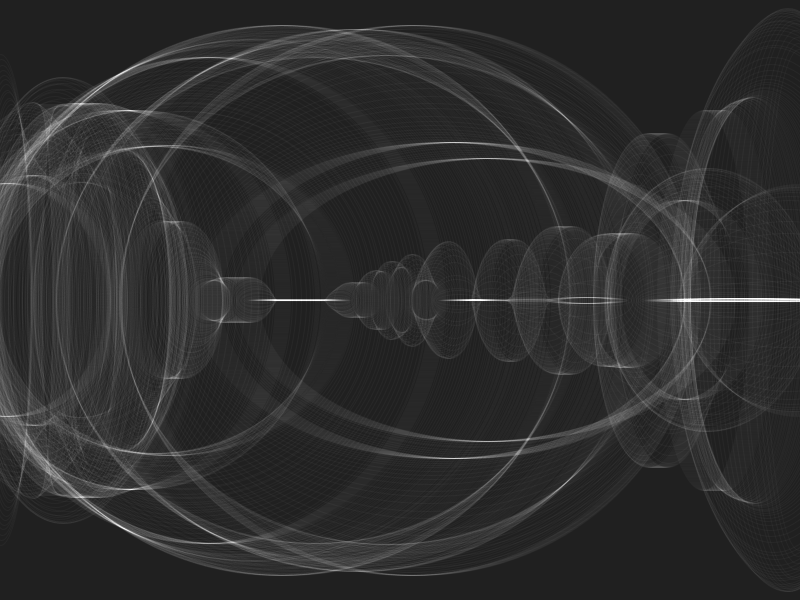
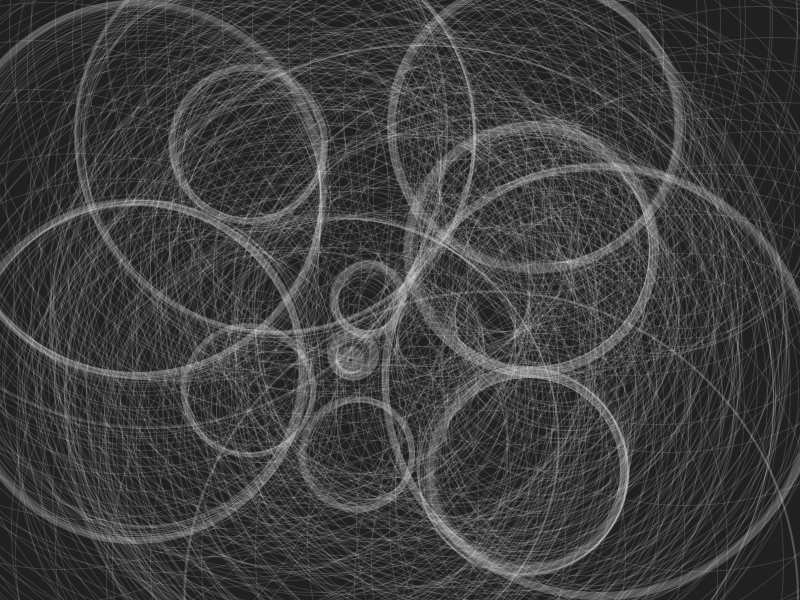
I wanted to continue using frameCount to control the shape, this time it was determining the diameter of the circle. The position of the circle was controlled by the mouse. Because of these opacity settings when you don’t move the mouse you can get this effect of “thicker” & “thinner” lines.
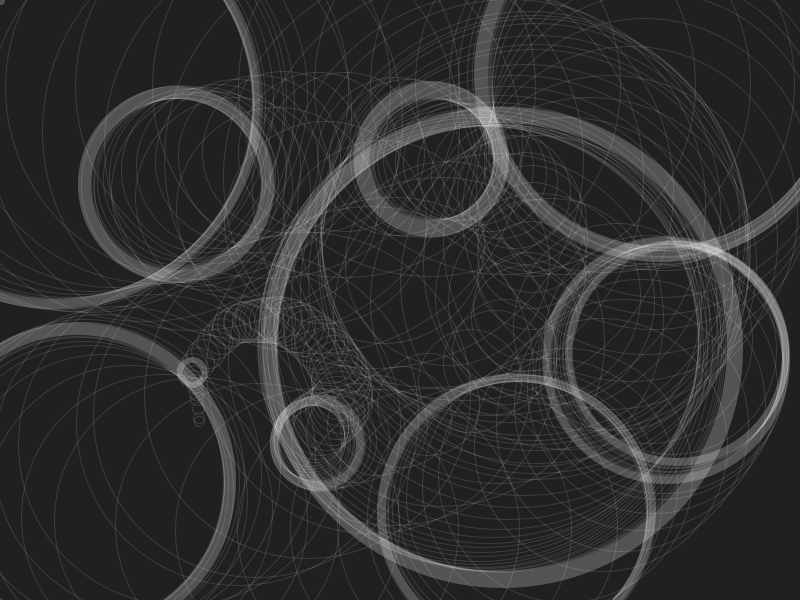
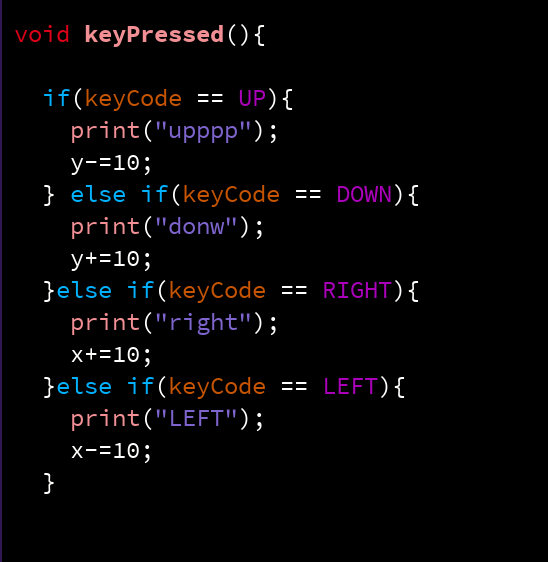
I wanted to try have more control over the images I was creating whilst implementing more logic into my programs. So I created this program where the circles are controlled by the user with the arrow keys. Again using opacity you get these “bolder” shapes when the circle stops. On the right is the logic used to control the circle.
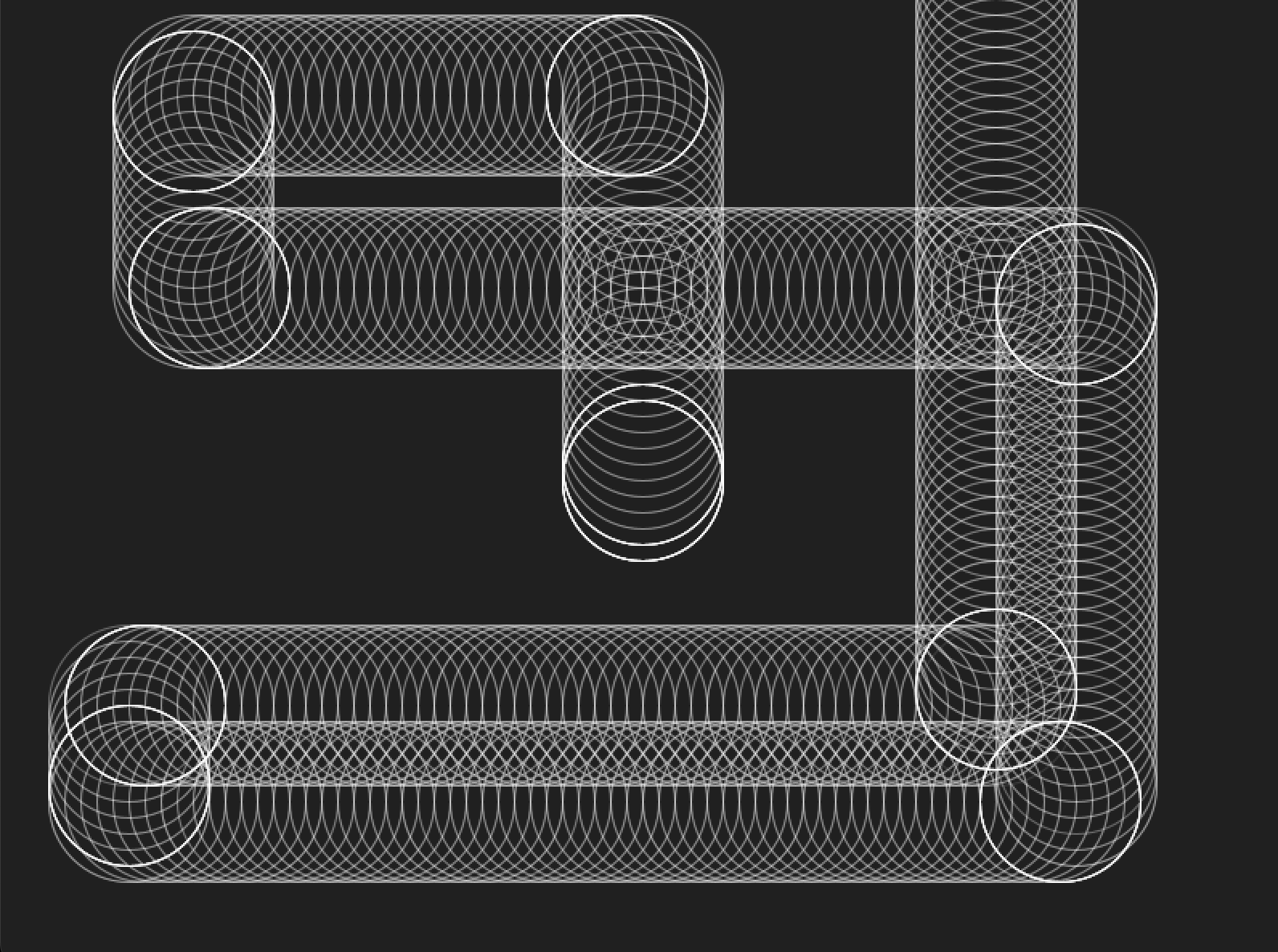
I liked this style of image with the overlapping circles that stated to look like pipes. I wanted to fill the page with these “pipes” but didn’t want to have to the work to manually draw the circles with arrow keys so I made it randomly draw the pipes for me. Every 10 circles it changes direction and when it “runs off the screen” it comes back at a random point and starts again.
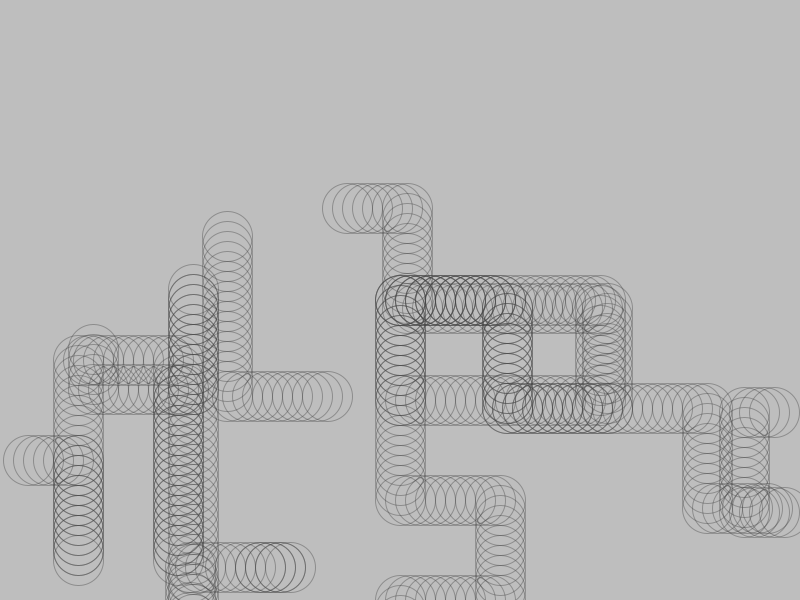
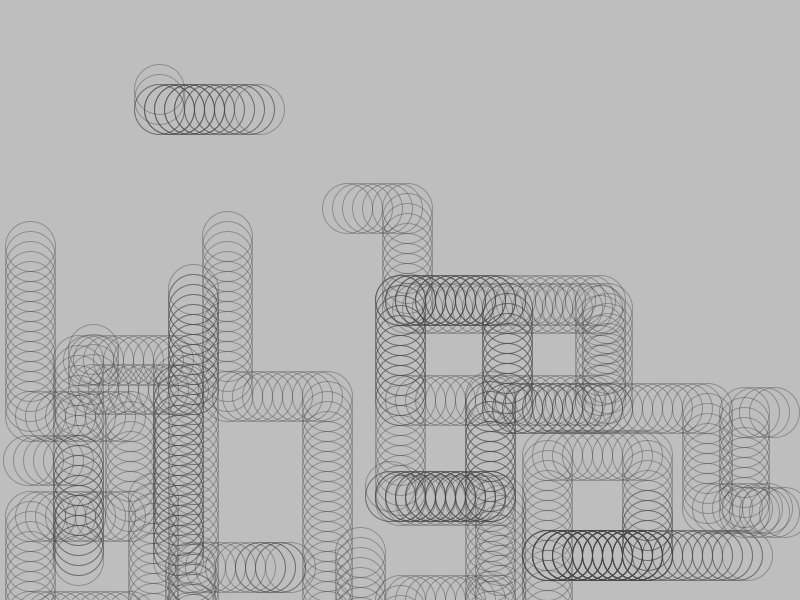
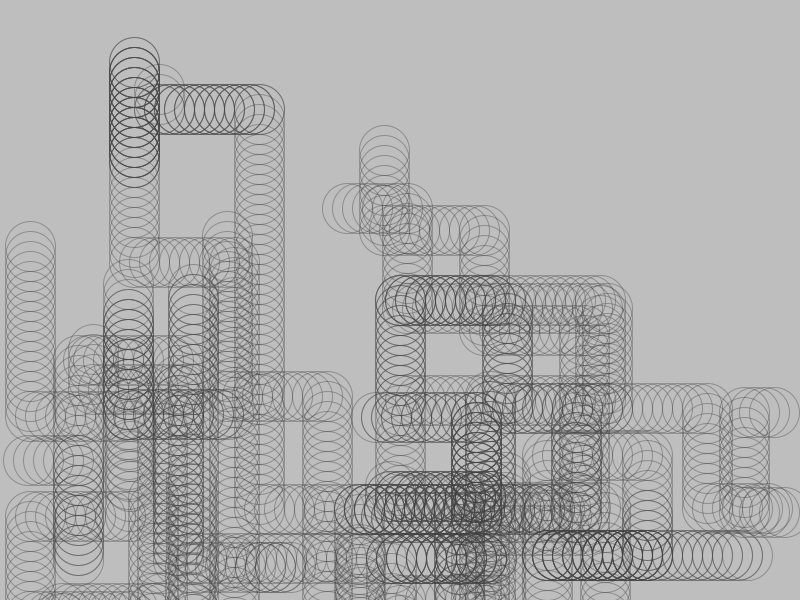
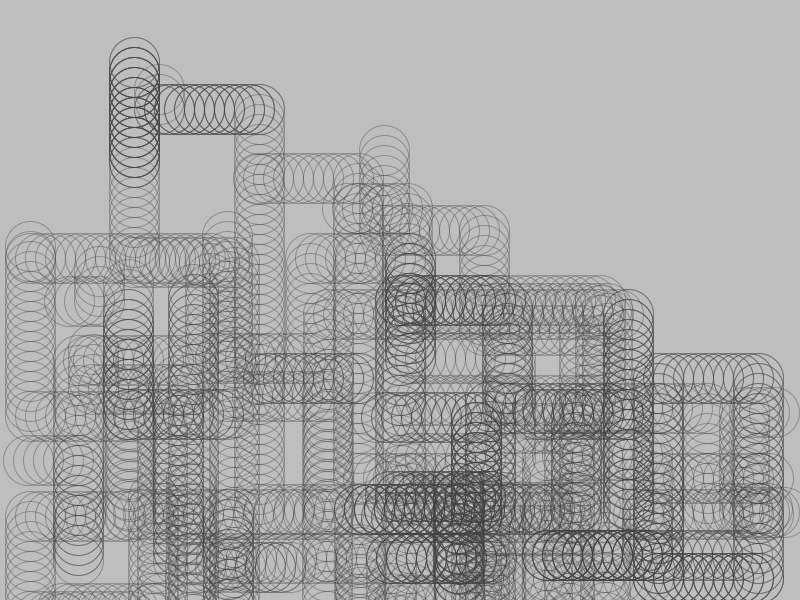
I liked the way this sketch could just run on and on so I wanted implement the same idea but with new shape and colour…
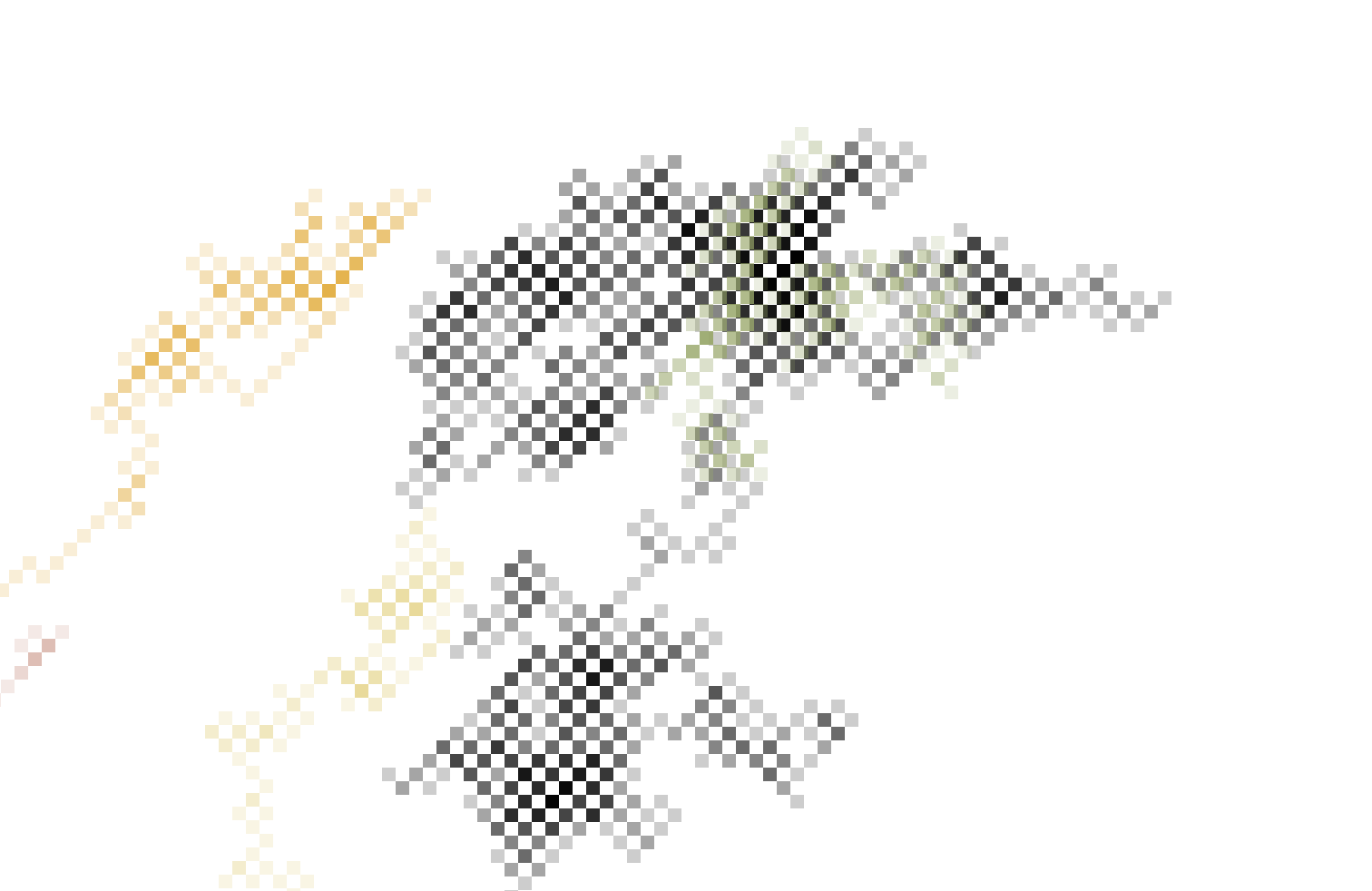
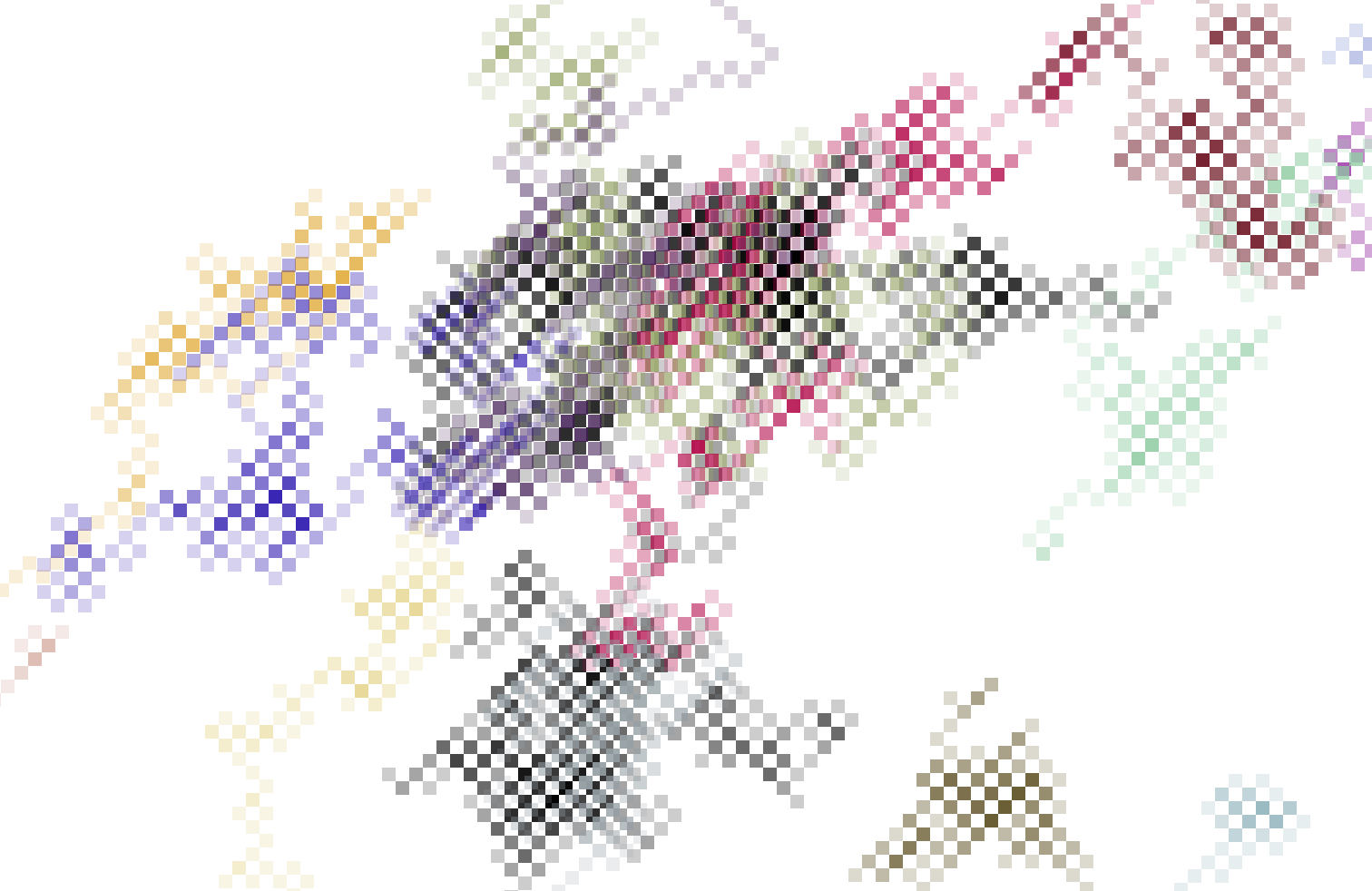
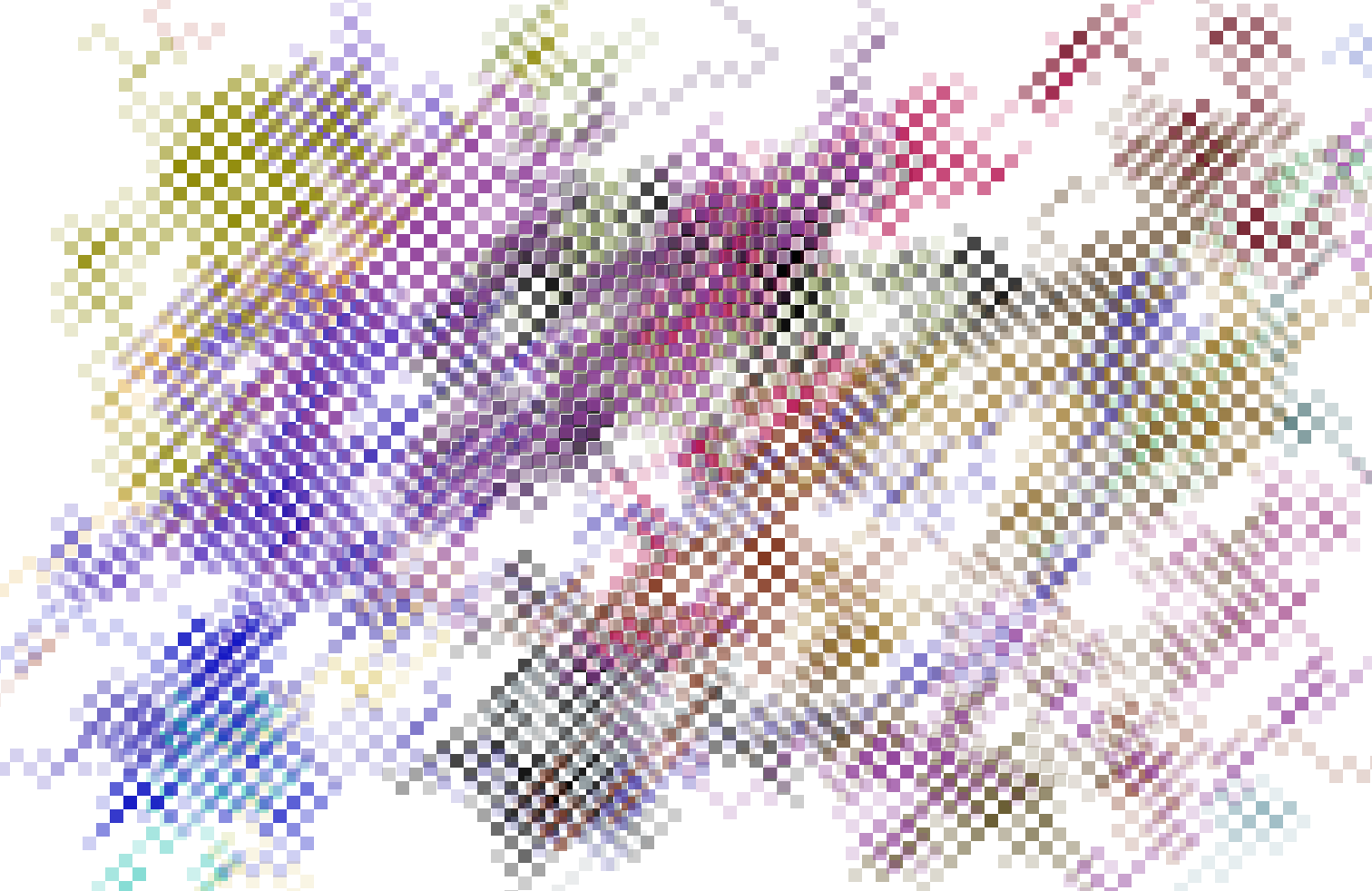
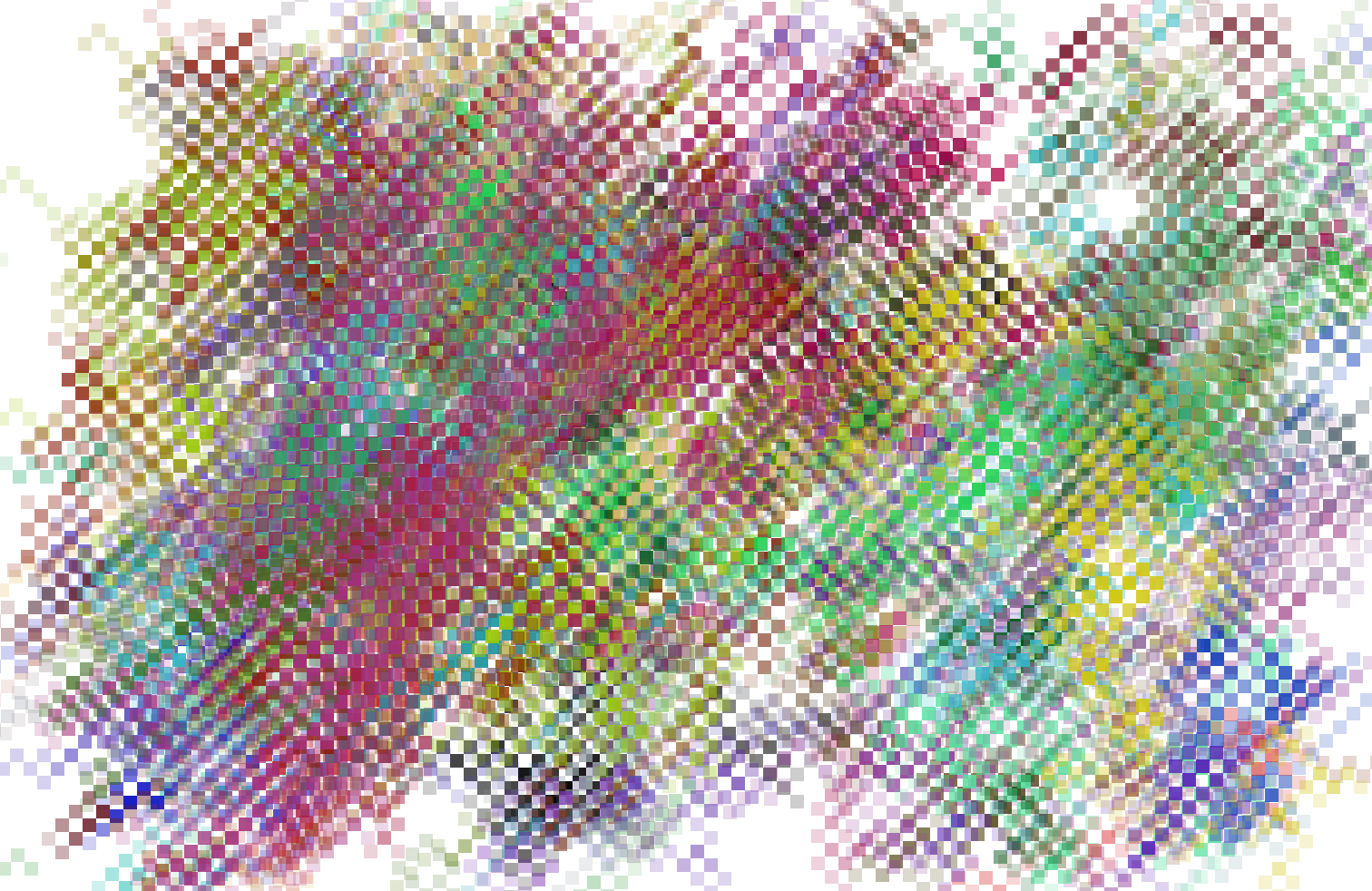
This sketch draws a sqaure and then another square from a random corner of the previous square. This “stepper” creates these interesting almost 3D checkerboard designs, as it runs if it “goes off the screen” it will (like the previous sketch) come back at a random point but also as a random colour. Above you can see how the program progresses with time.
During Workshop 03 we explored loops, using them to create grids with the work of Vera Molnár as inspiration, example below:
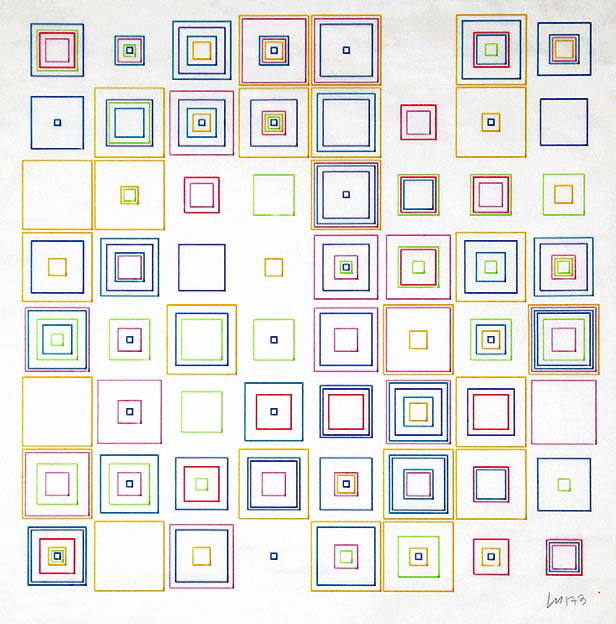
I wanted to practice using loops and so used the above image as inspiration to create my own Vera inspired work…
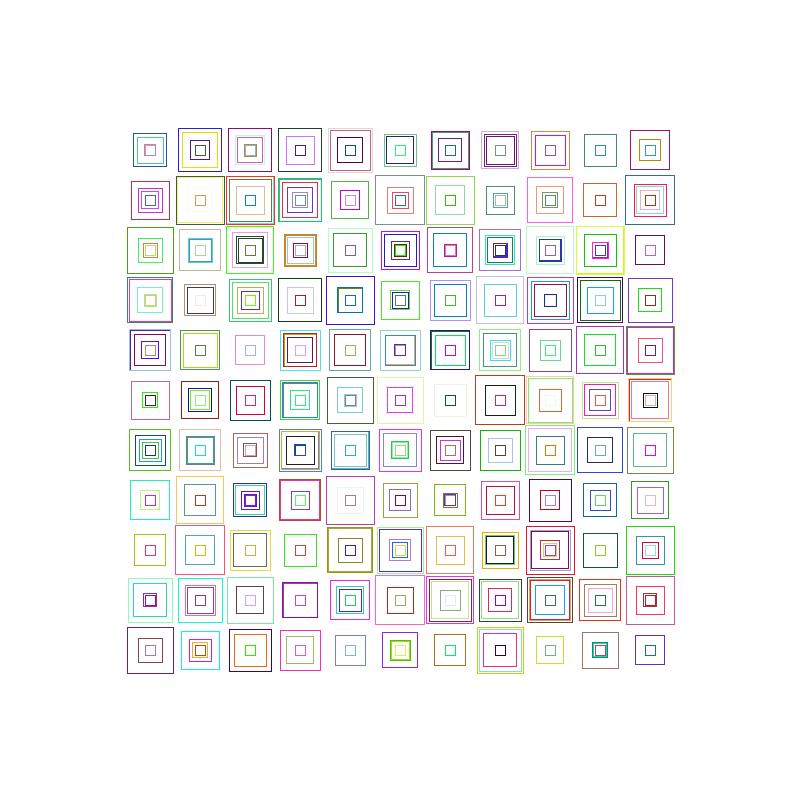
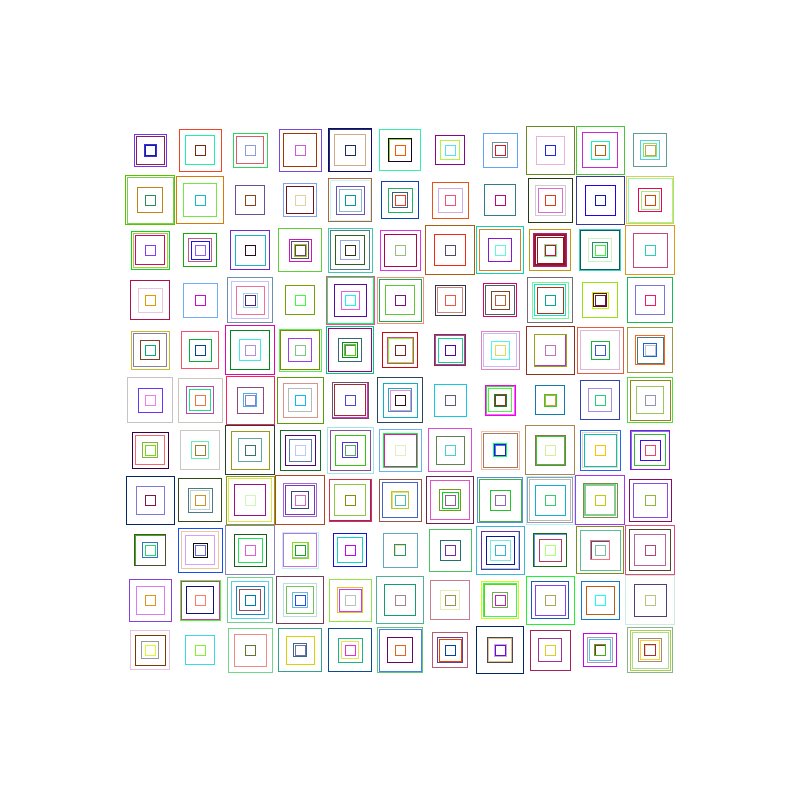
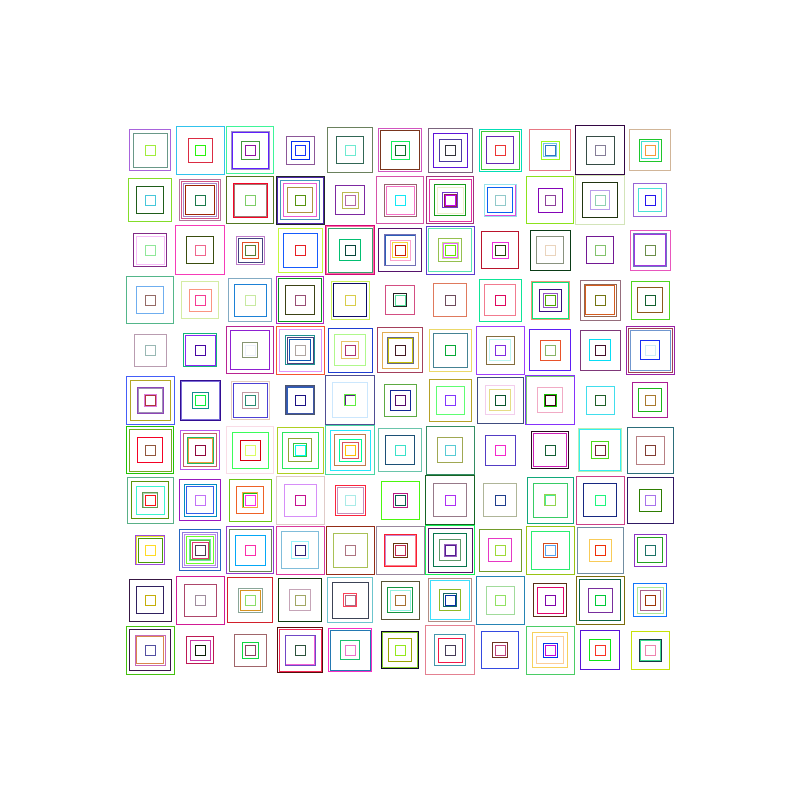
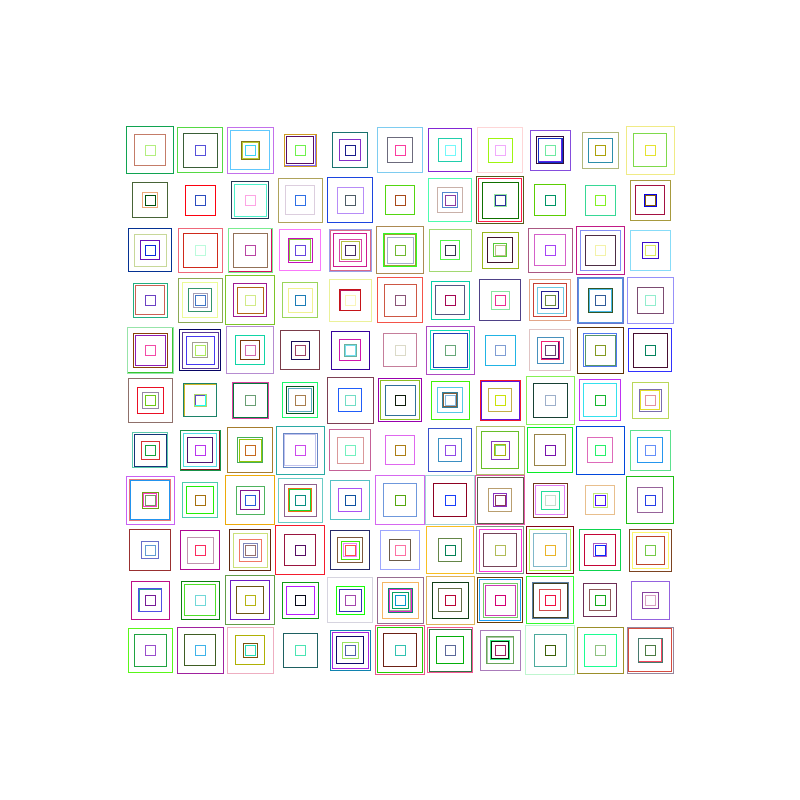
This was surprisingly easy using only 3 for loops to create a random amount of squares per cell of the grid. Each of the above a completely unique version.
We also explored creating “shapes” during workshop 3. Below is a program I made that randomly generates a new polygon with 100 vertexes. Like a big jaggy sketch.
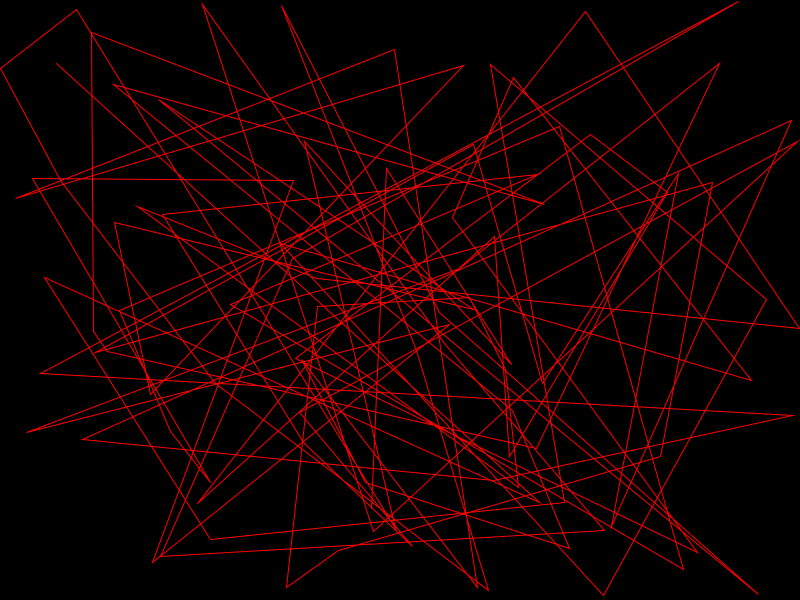
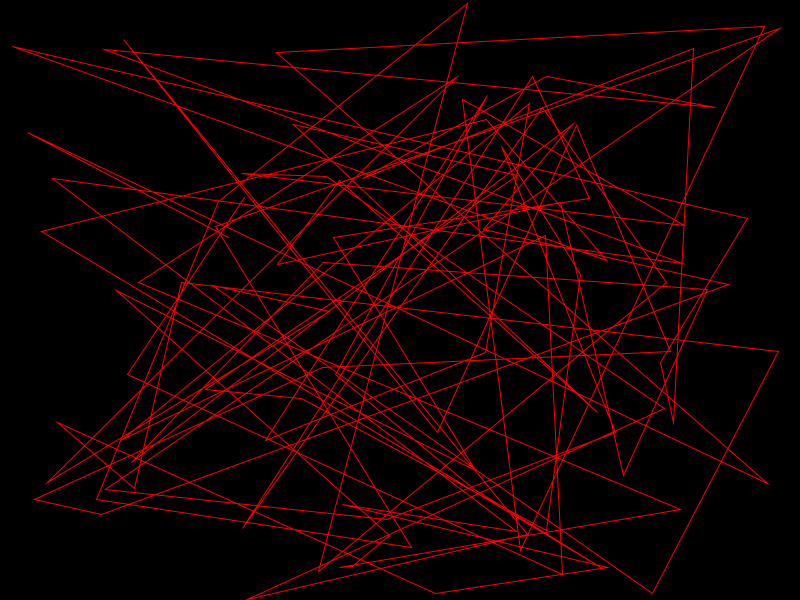
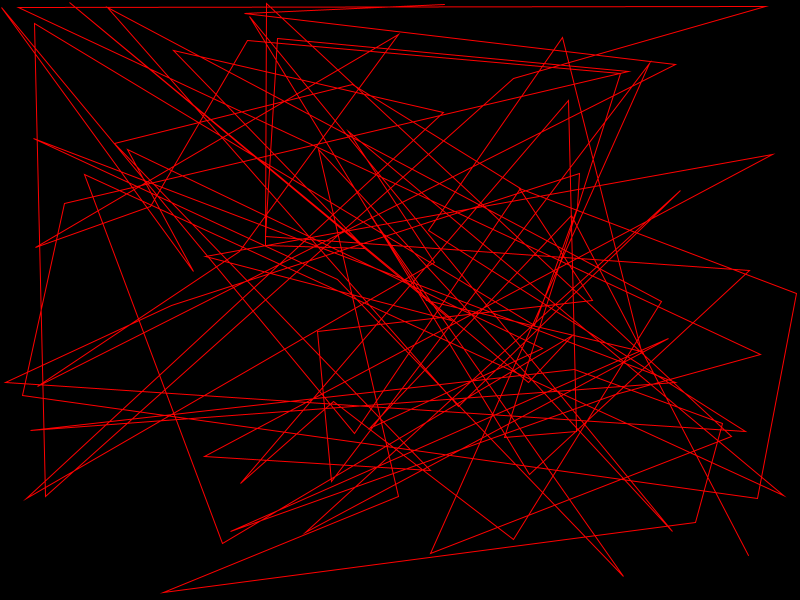
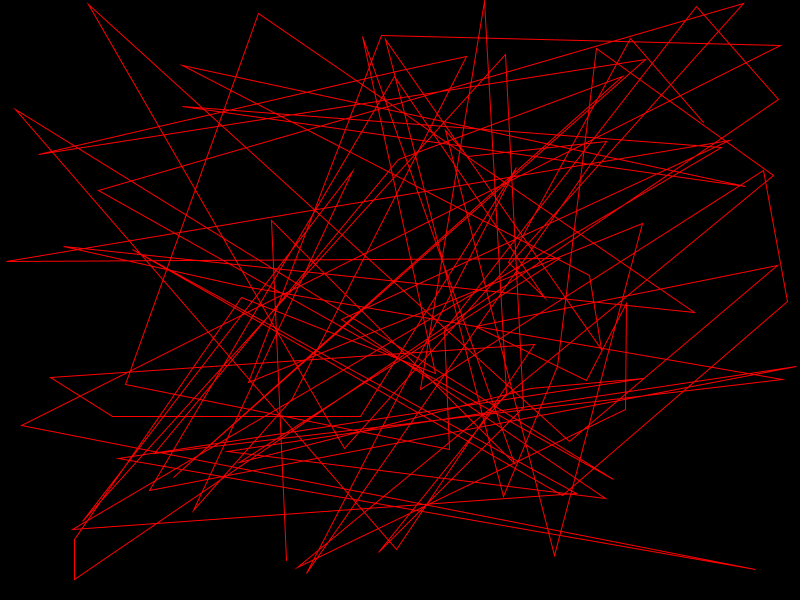
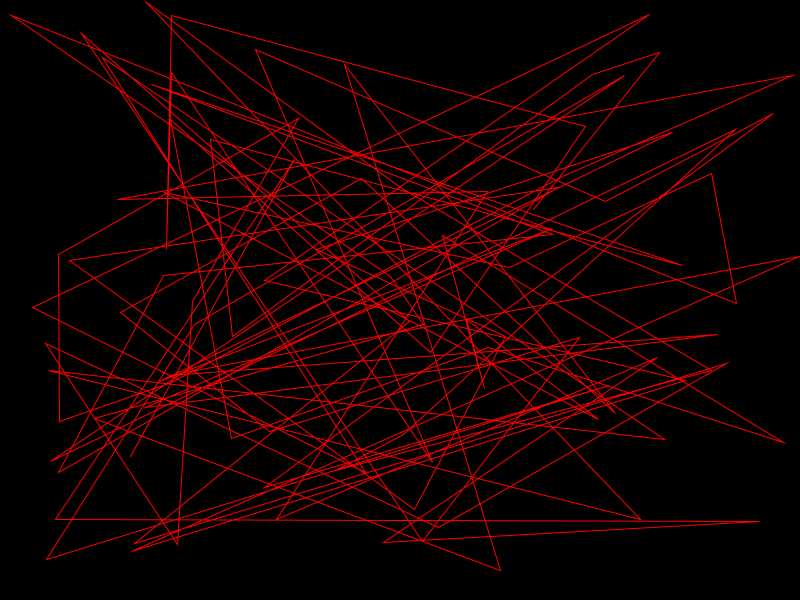
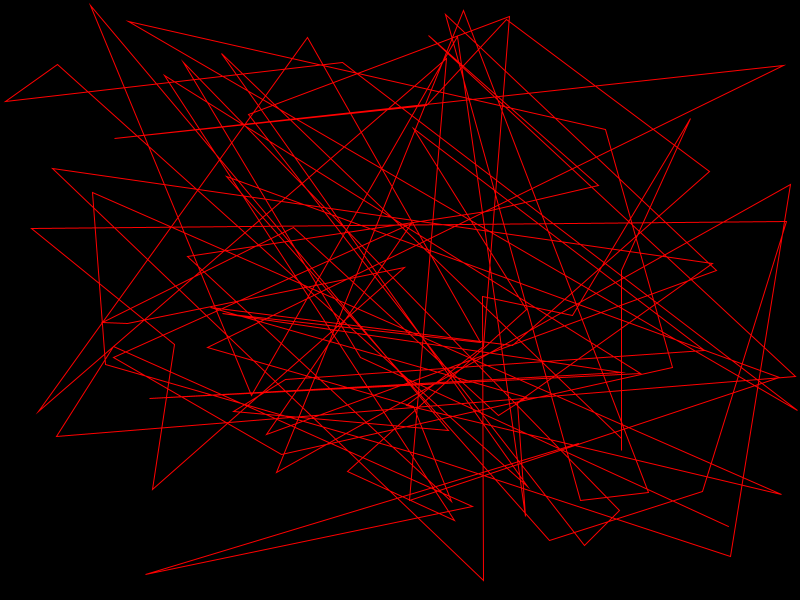
From here I wanted to combine both techniques from workshop 3, grids and vertexes. George Nees is someone else we looked at so just like the Vera Molnár piece above I wanted to recreate one of his works.
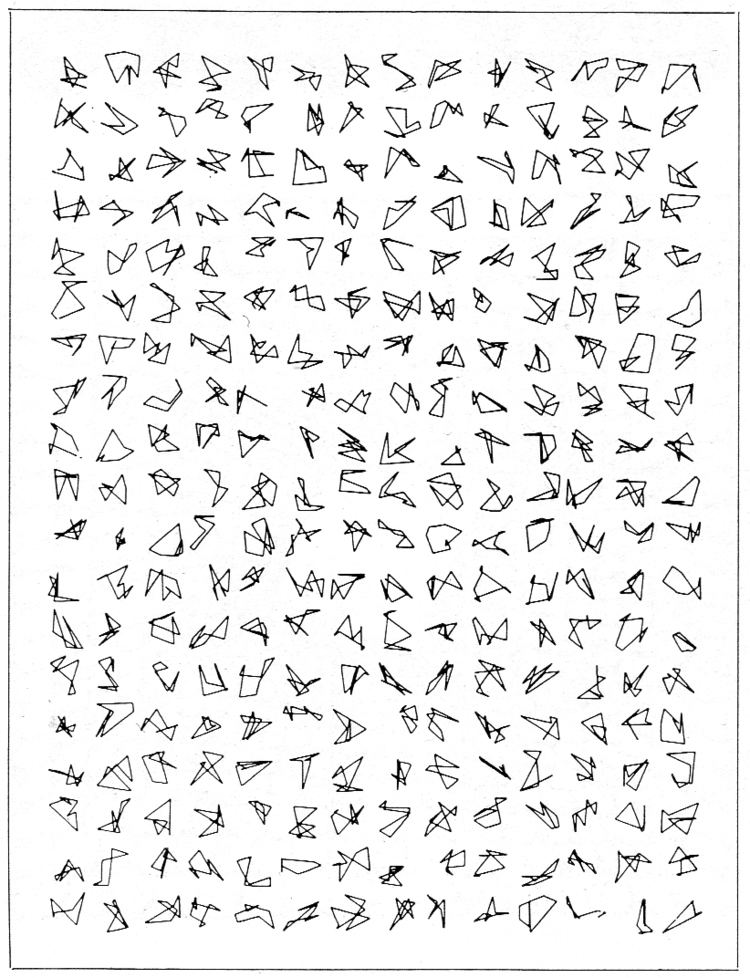
George Nees, 1964
To recreate this i just had to use the same 3 loop grid technique as I did in the Vera piece but each time instead of drawing rectangles I will be creating shapes with 8 vertexes.
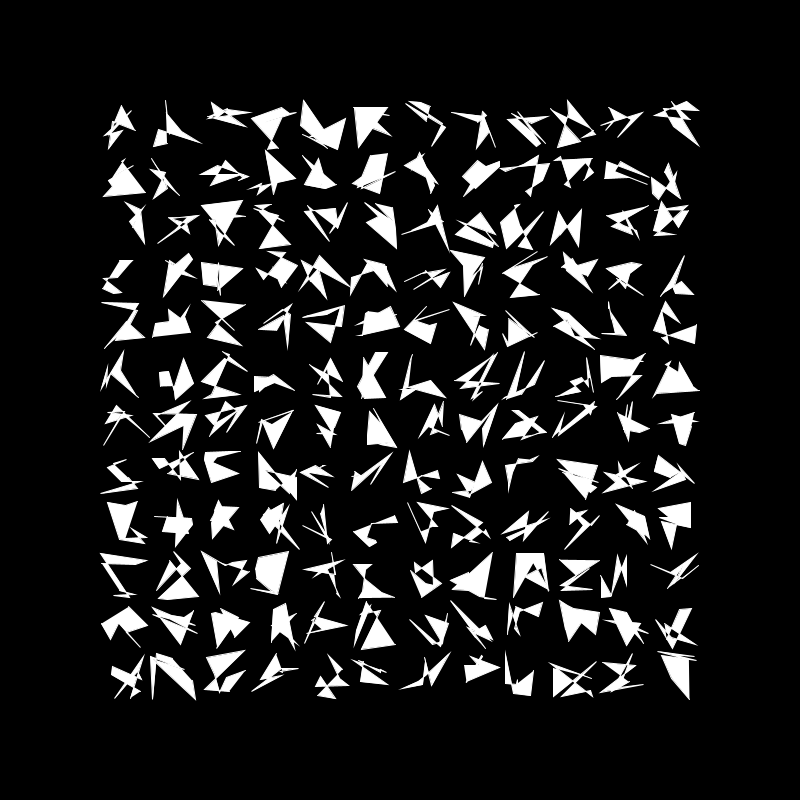
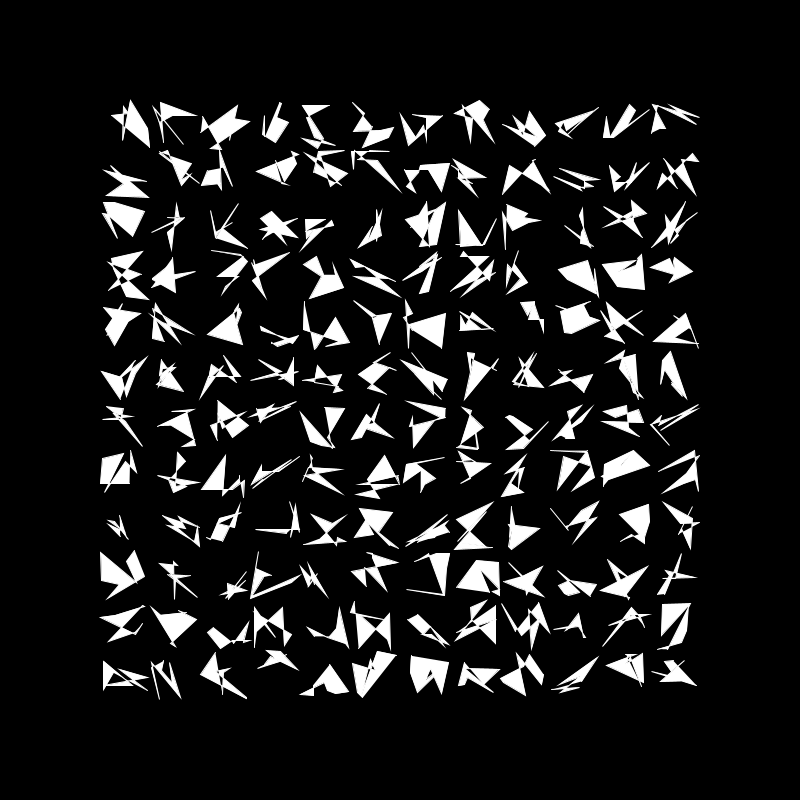
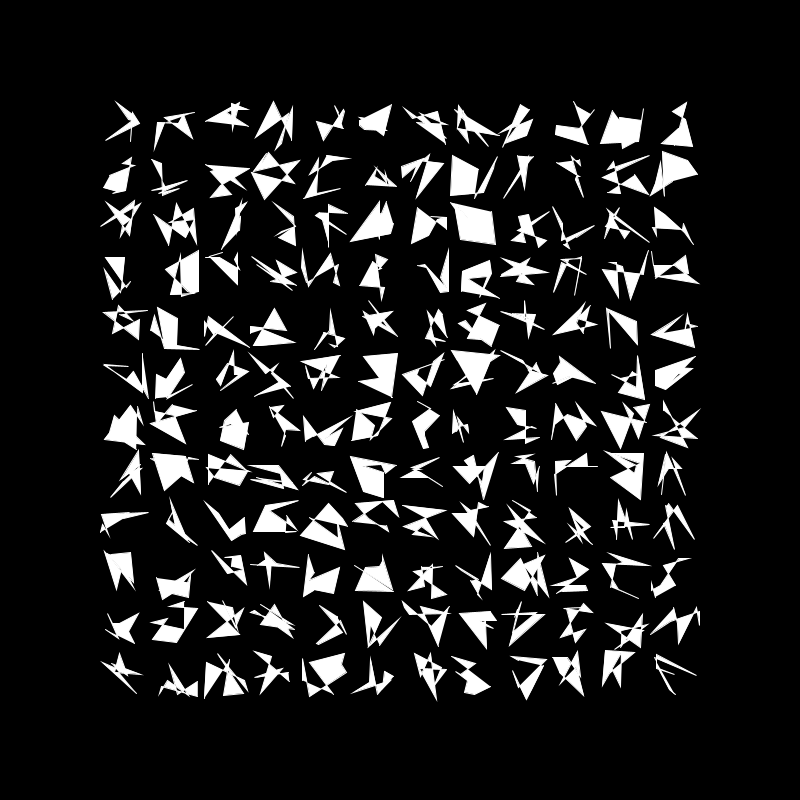
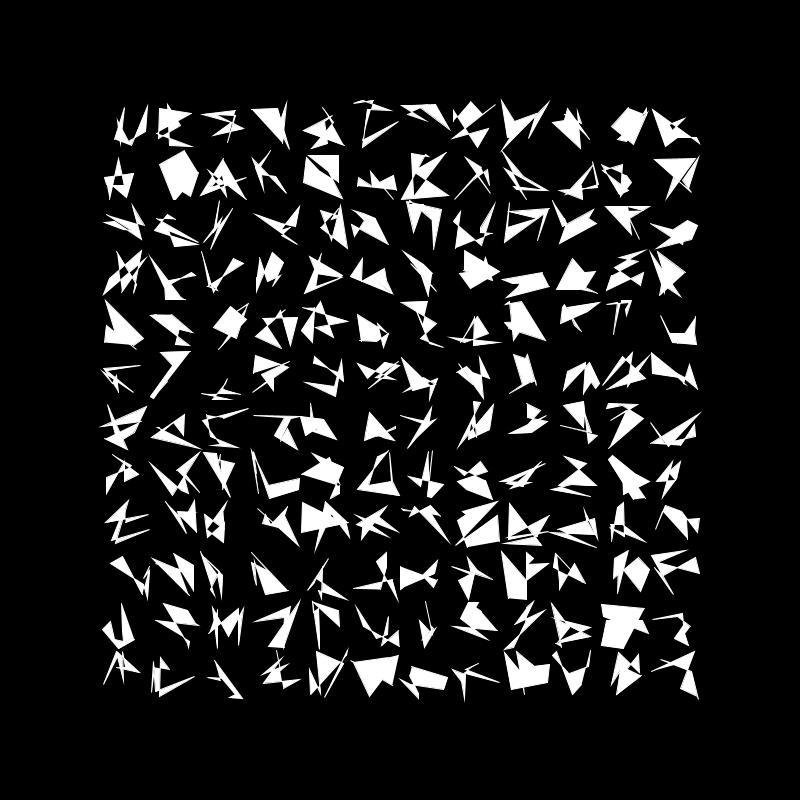
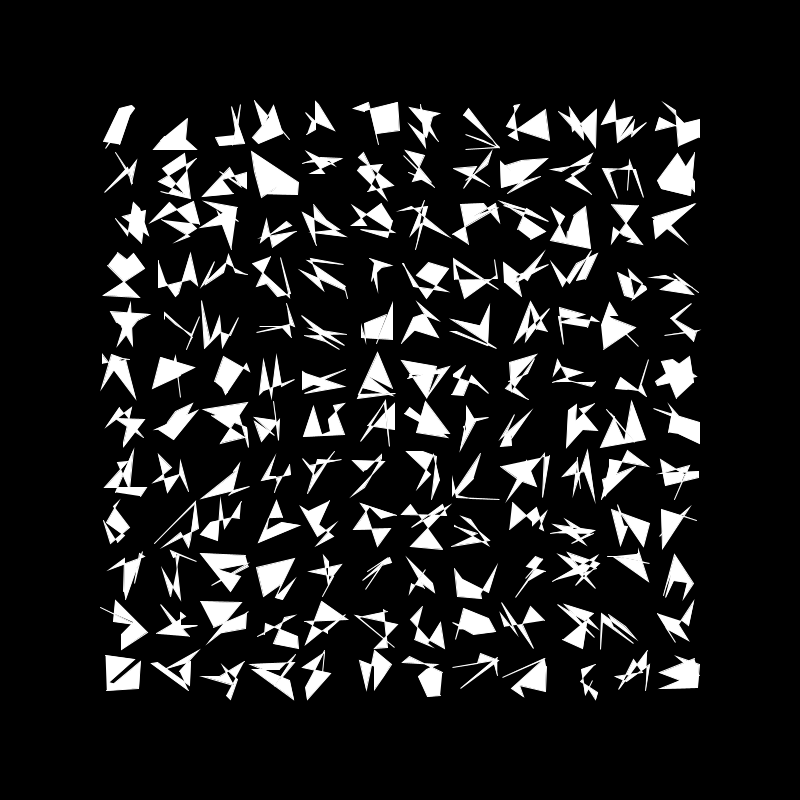
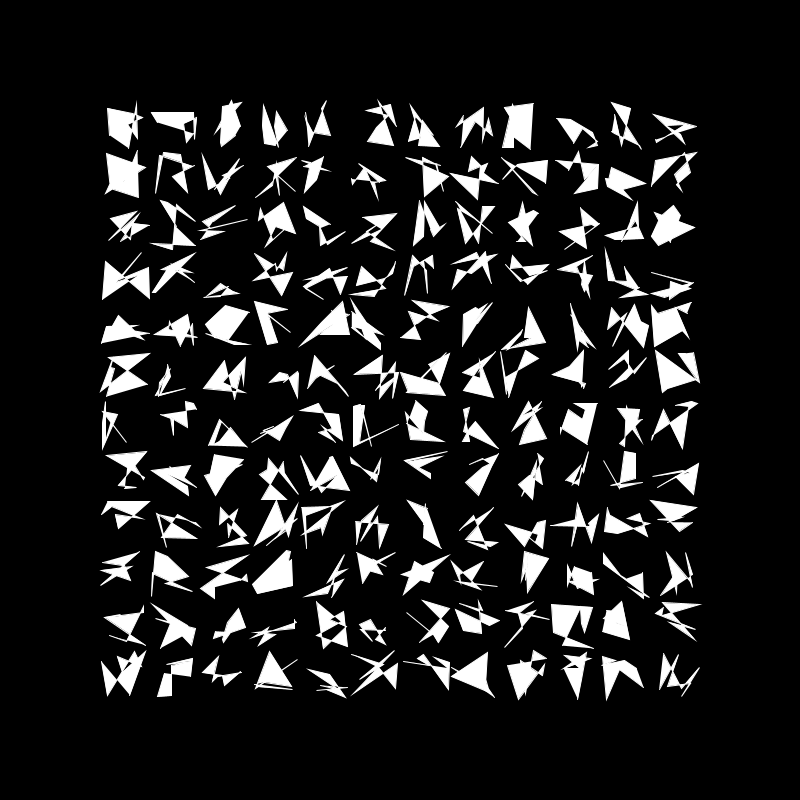
This is my variation of Nees’ work, using all the techniques I learned in workshop 3 each of these images are completely unique. Of course I wanted to make it my own so I filled the polygons to give it a bit of a different look.
I then started to develop this idea by adding colour, of course keeping with the random theme…

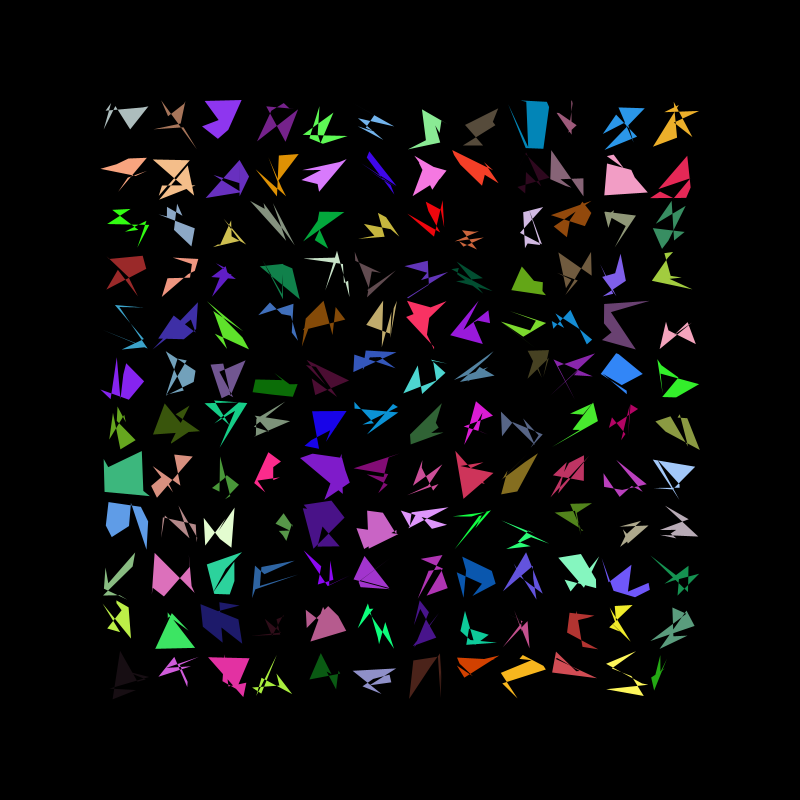
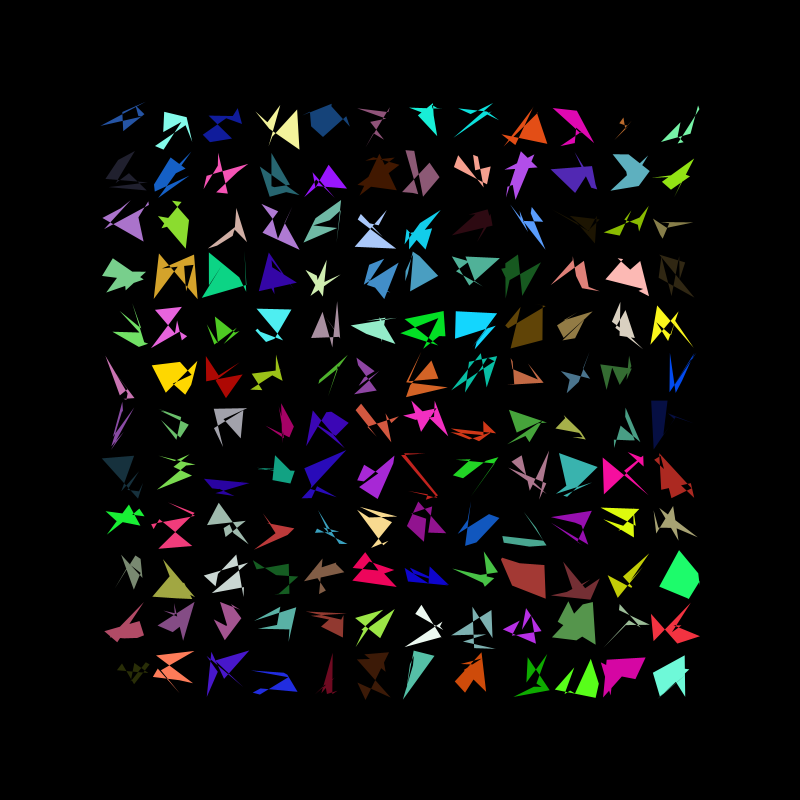
I really liked the way this came out, however I felt the grid was a bit crowed so I decided to add more randomness. This time each shape has a random number of vertex between 3 and 8
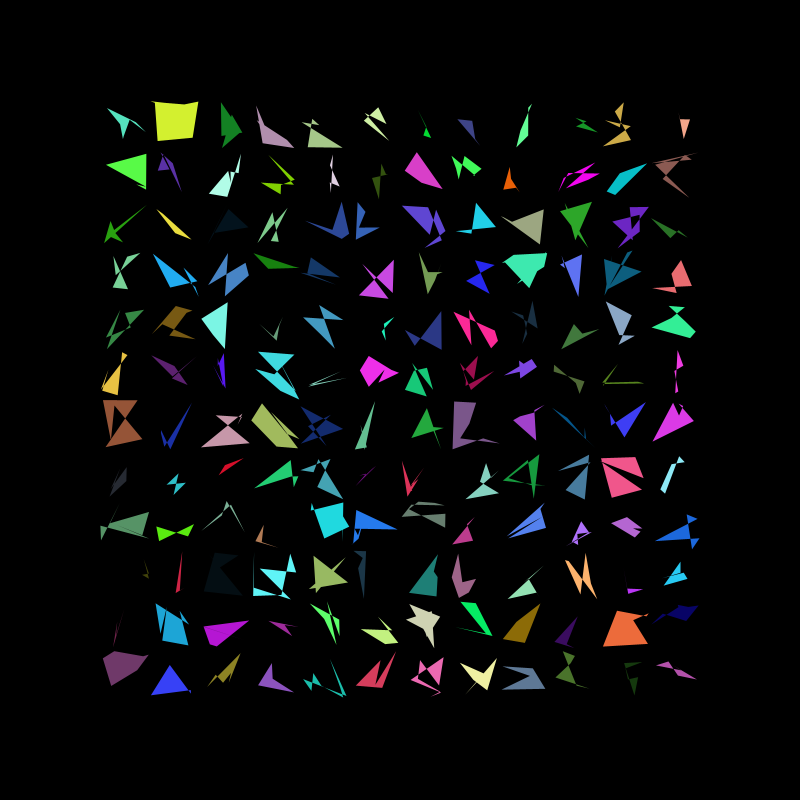
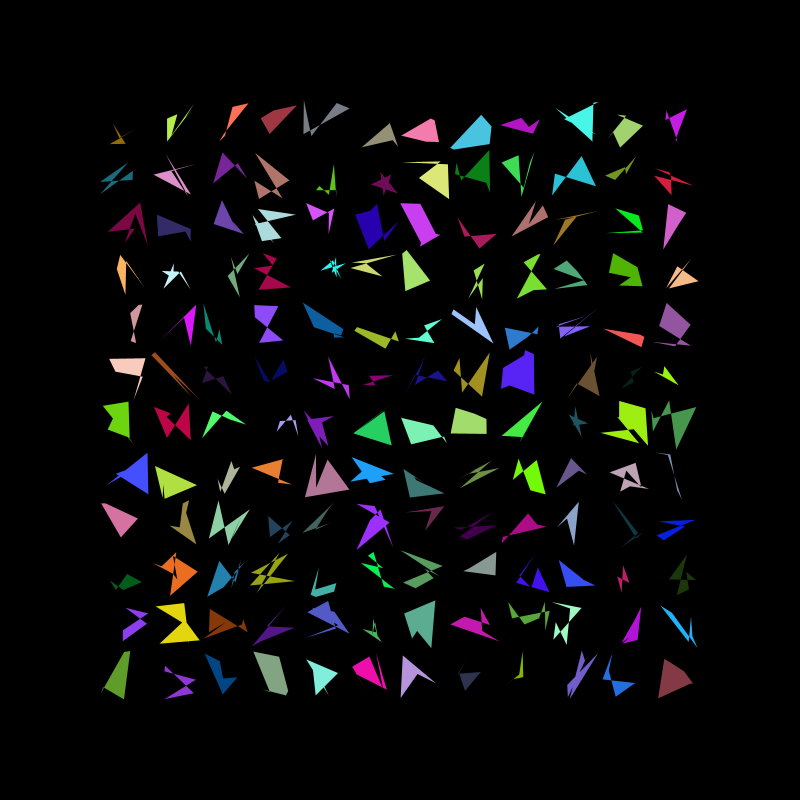
After playing around with this version of the sketch and adjusting the range of vertexes i decided that contrary to my previous feelings towards the produced image I wanted to make the grid busier and so I made the shapes bigger than each “cell” of the grid making them overlap. This, I much proffered…
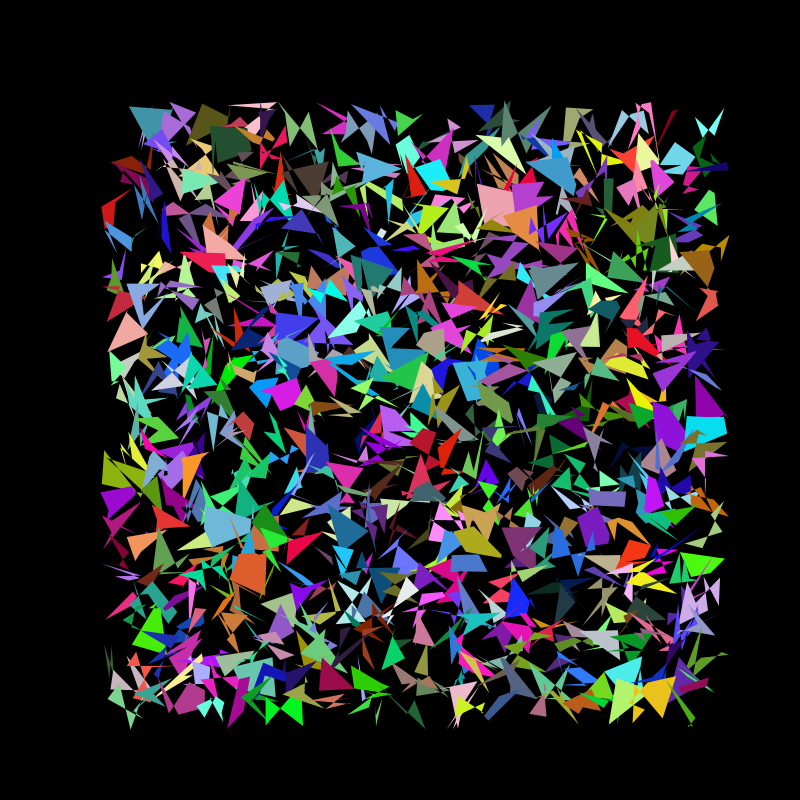
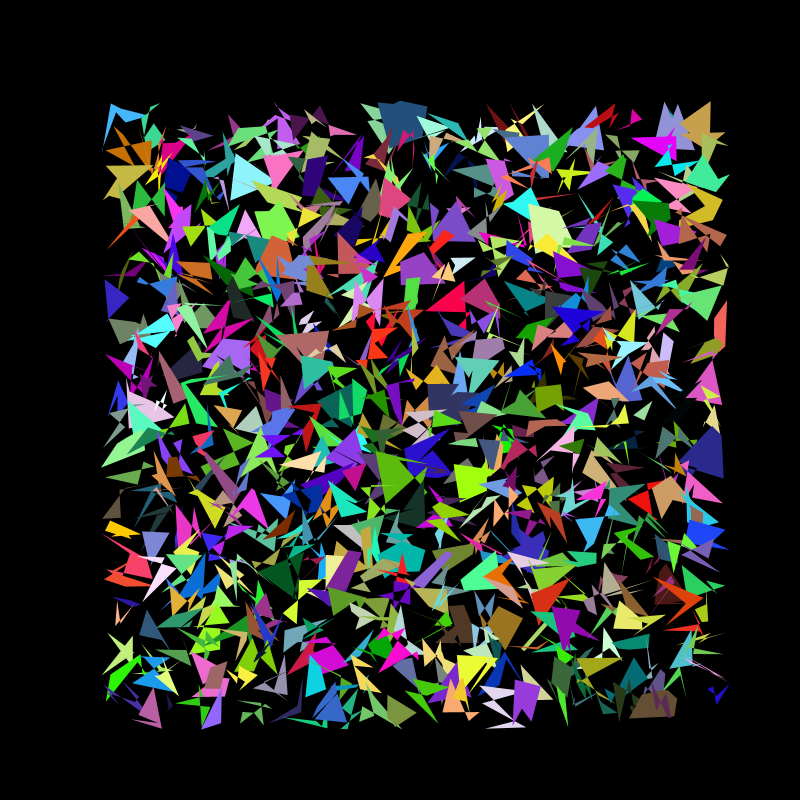
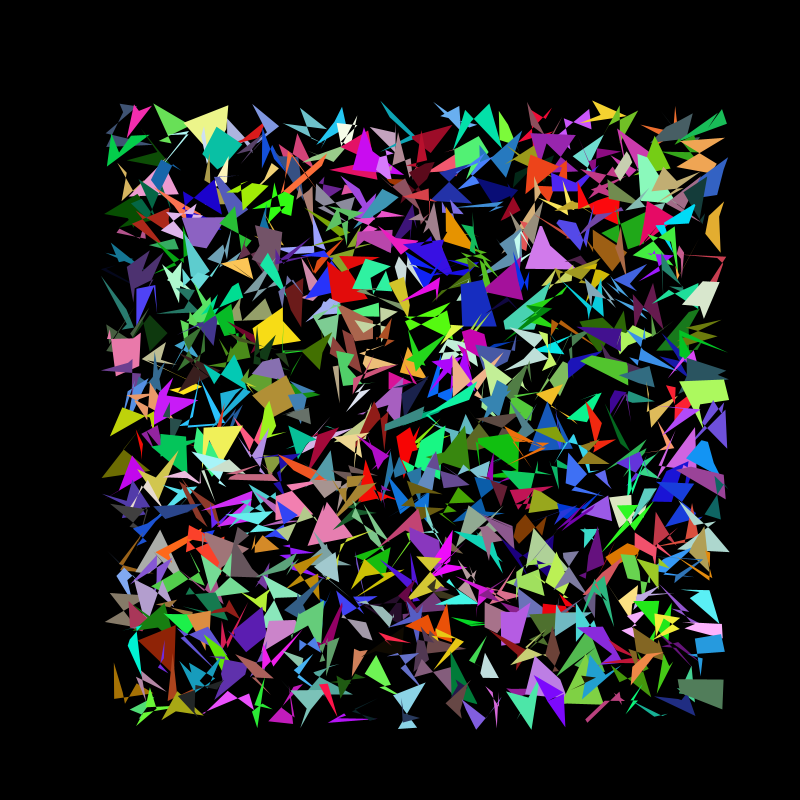
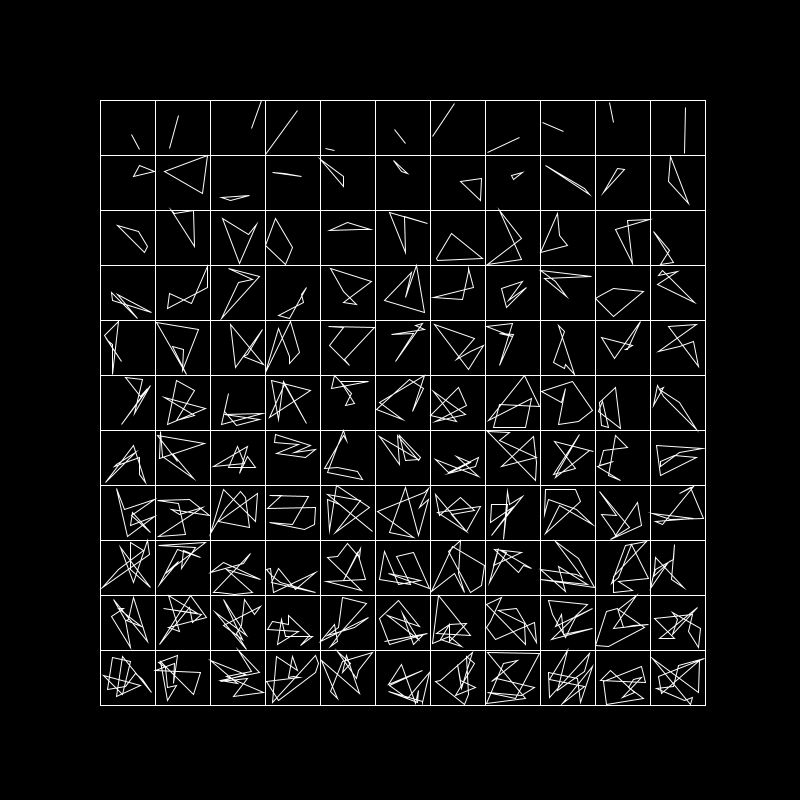
One of my final images for submission I created in the wee hours of the night before submission in a hurry, inspired by Nees I took the shapes and drew them with increasing number of vertices and to top it off I boxed them to add my own personal touch
wraping up
Overall I enjoyed the project, it was exciting to get my teeth dug into the course and interesting to take my previous programming experience but use it through a different lens. I struggled most with having a completely blank canvas especially towards the end when trying to combine all the principles I’d learned in a creative way.
Writing in this learning journal has also been an adjustment that I’ve found slightly challenging. I’m used to keeping a sketchbook but a learning journal is such a different medium with so much more freedom it’s been slightly daunting.
 LEARNING JOURNAL