Starting this project I had some experience with Arduino and similar “hobby electronics”, so I was excited to try use some of my skills and put them in to practice… also just to see what I remember!
The brief enitially both confues and terrified me. My brain instantly went to a product design space, trying to think of ways to reimagine objects to make them better, more functional or try solve an everyday object. It’s been hard to not look at the project through this lense but instead just try be purely creative.
The first 2 workshops were great for reminding myself of the Arduino IDE and a lot of the specific syntax when programming with Arduino. After these I wanted to jump straight into the project…
I started the project with an old non-functioning laptop and began to strip it down, without any plan of what I wanted to do with it.
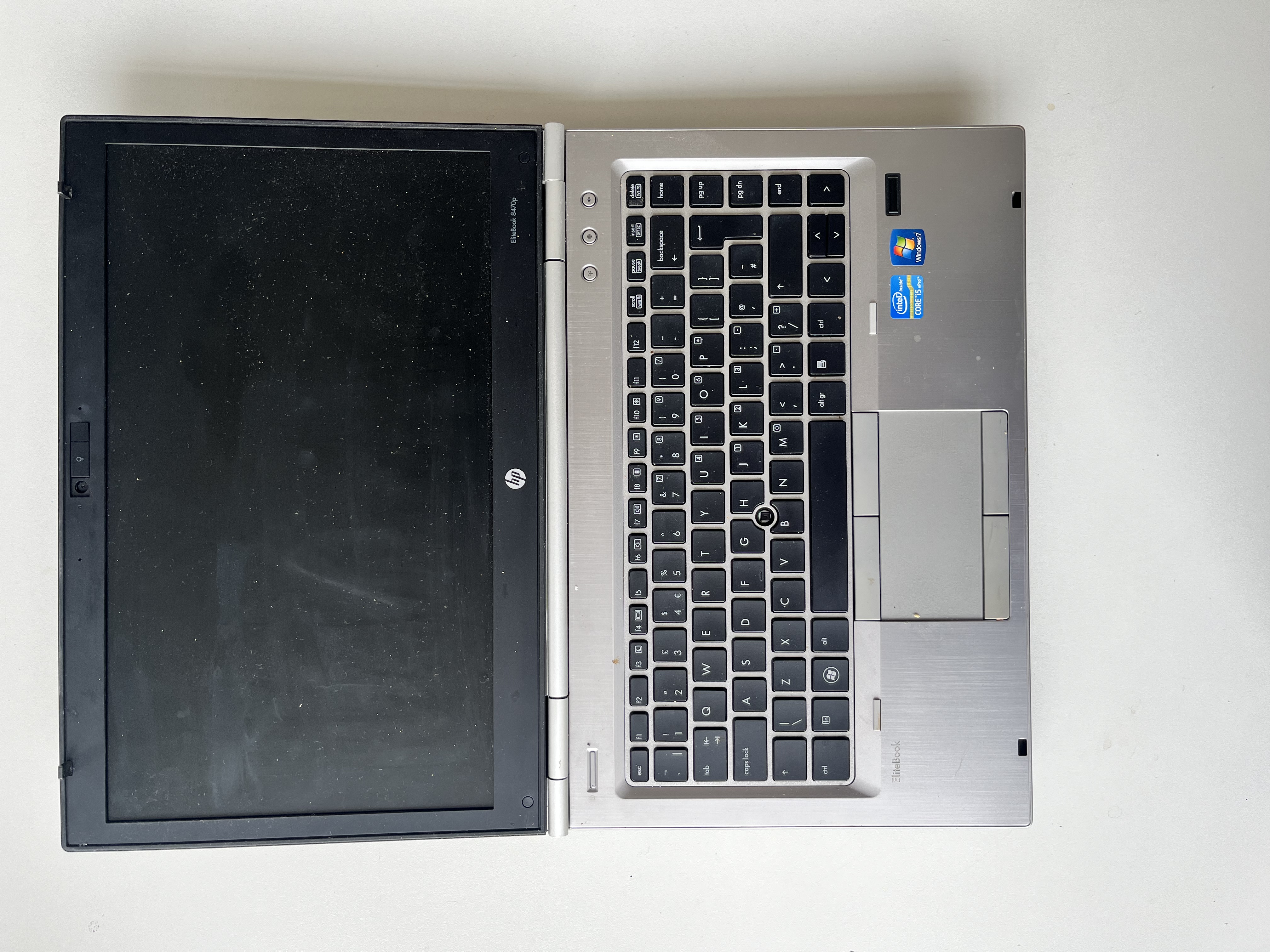
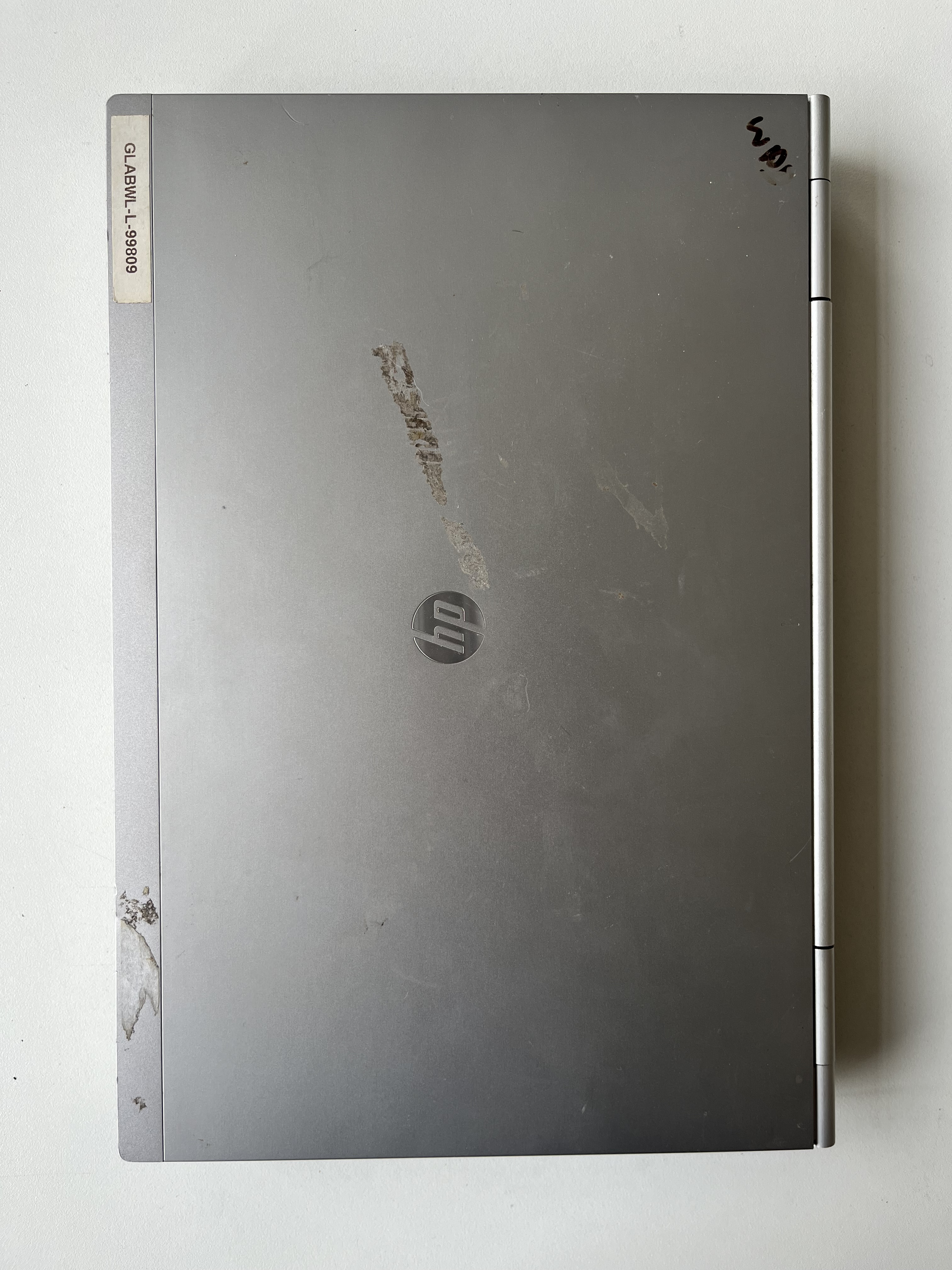
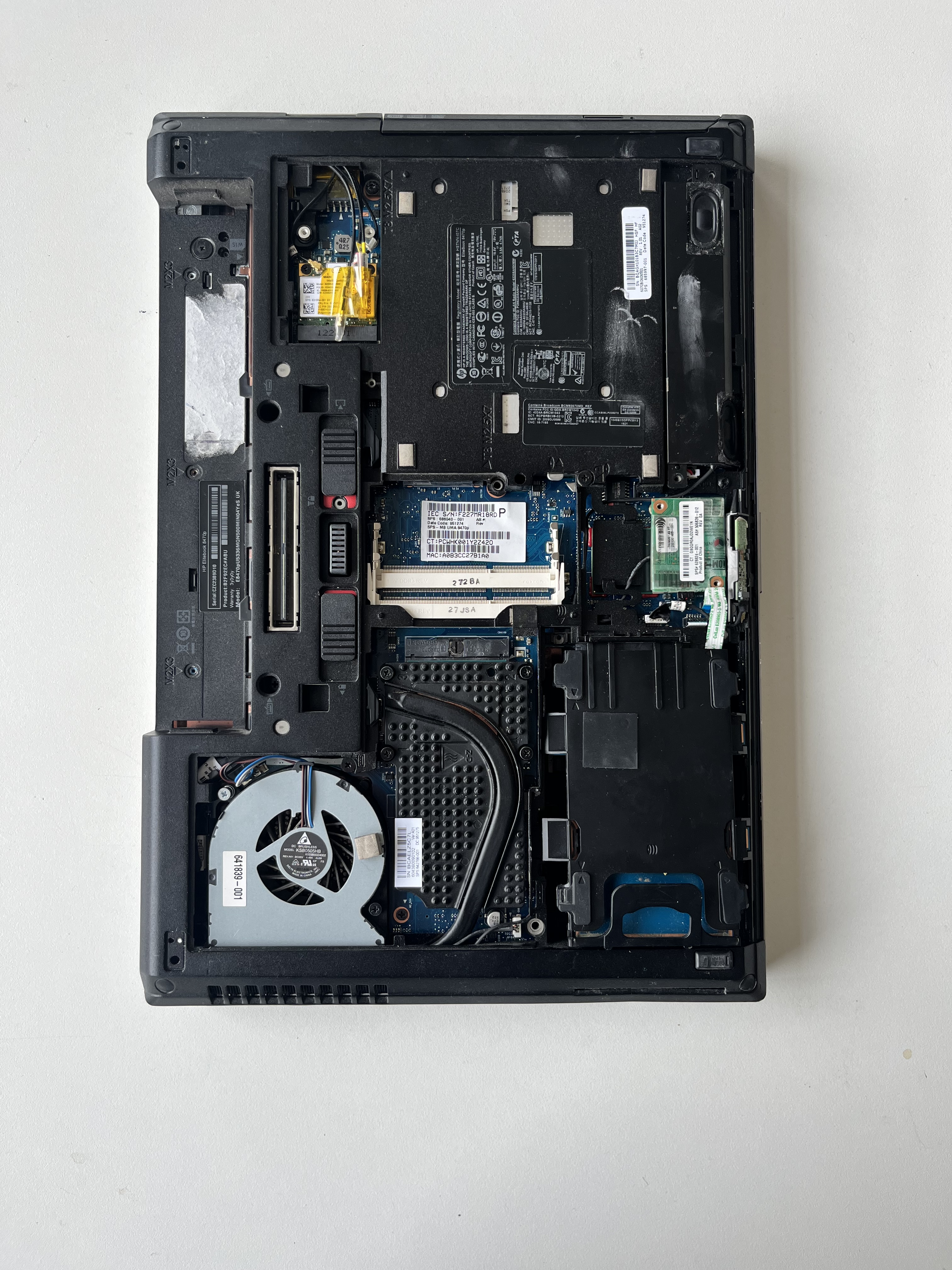
(How it looked to begin with)
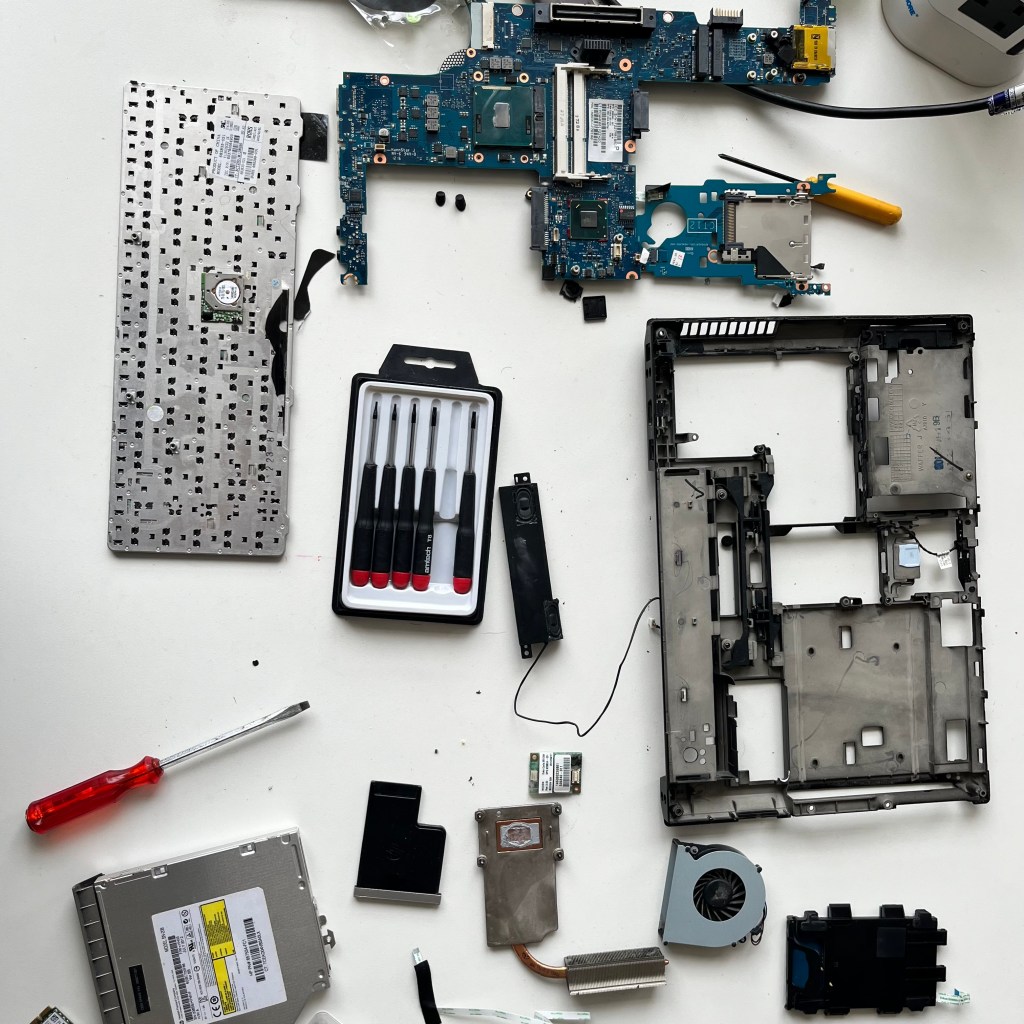
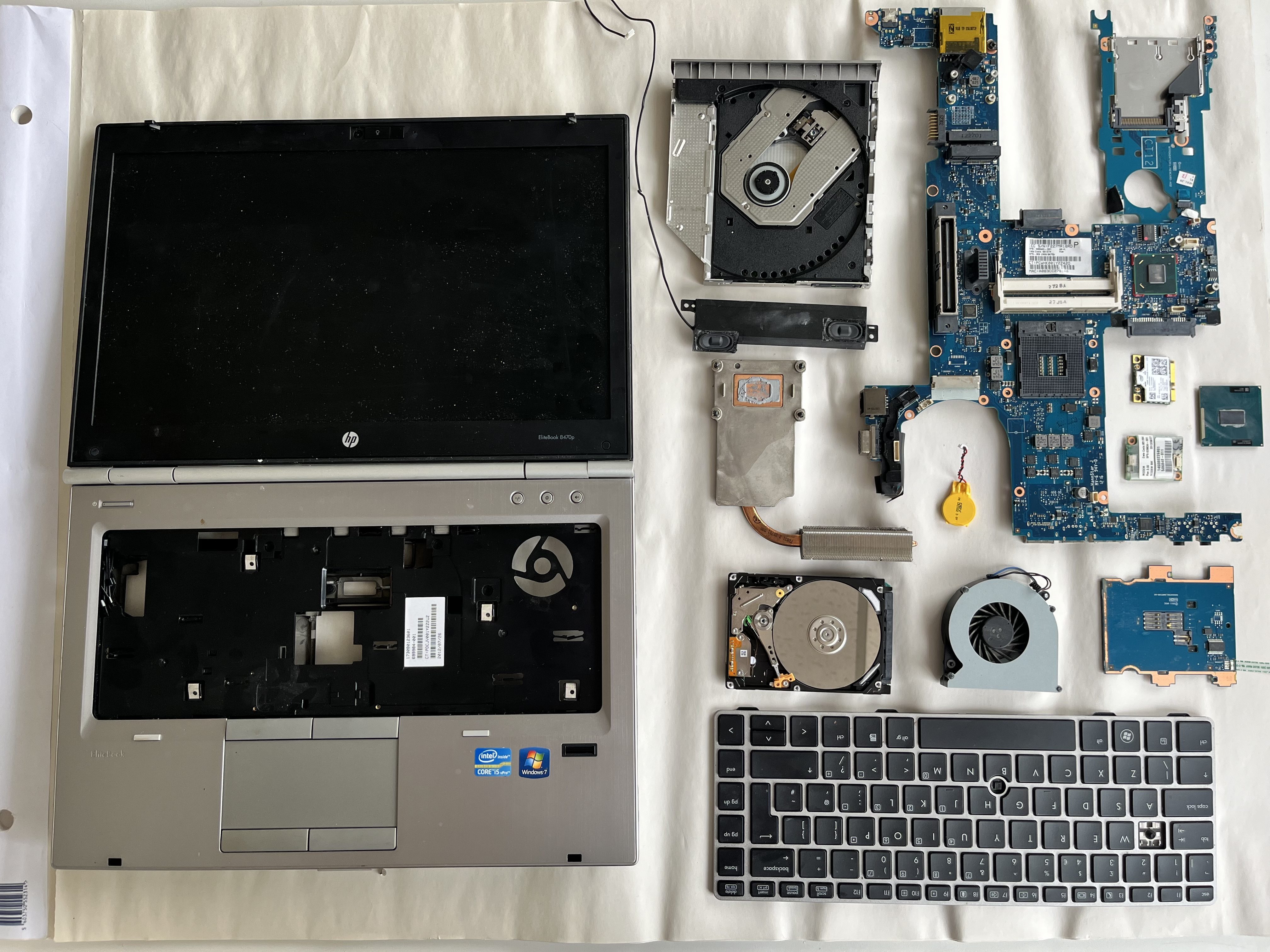
As I was pulling the laptop (the beast) apart I was started to have ideas to try re-imagine the function of the keyboard. I thought if there was anyway get input from the keys being used. I knew there would be no way to hook straight up to the keys without so serious hacking, soldering, blood sweat and tears. This is when I had the idea for some kind of capacitive key.
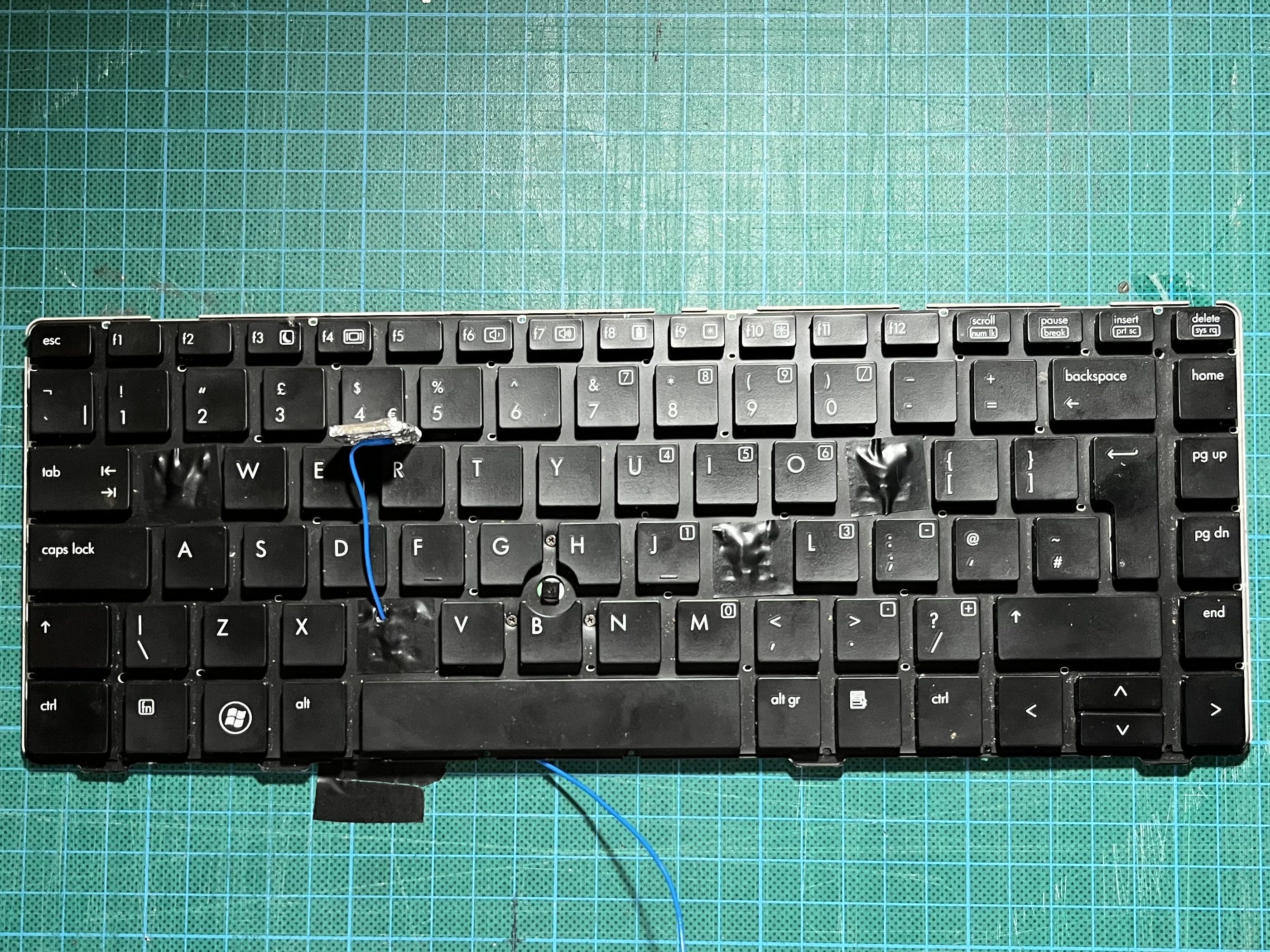
The image above shows how 4 of the keys (Q, C, K & P) and began to cover the keycaps with foil and run a wire from them to turn into capacitive keys. this turned into…

This is how it turned out, but still I had no idea what I actually wanted to use the input of the capacitive keys for. But I began to create the circuitry and code for it anyway…
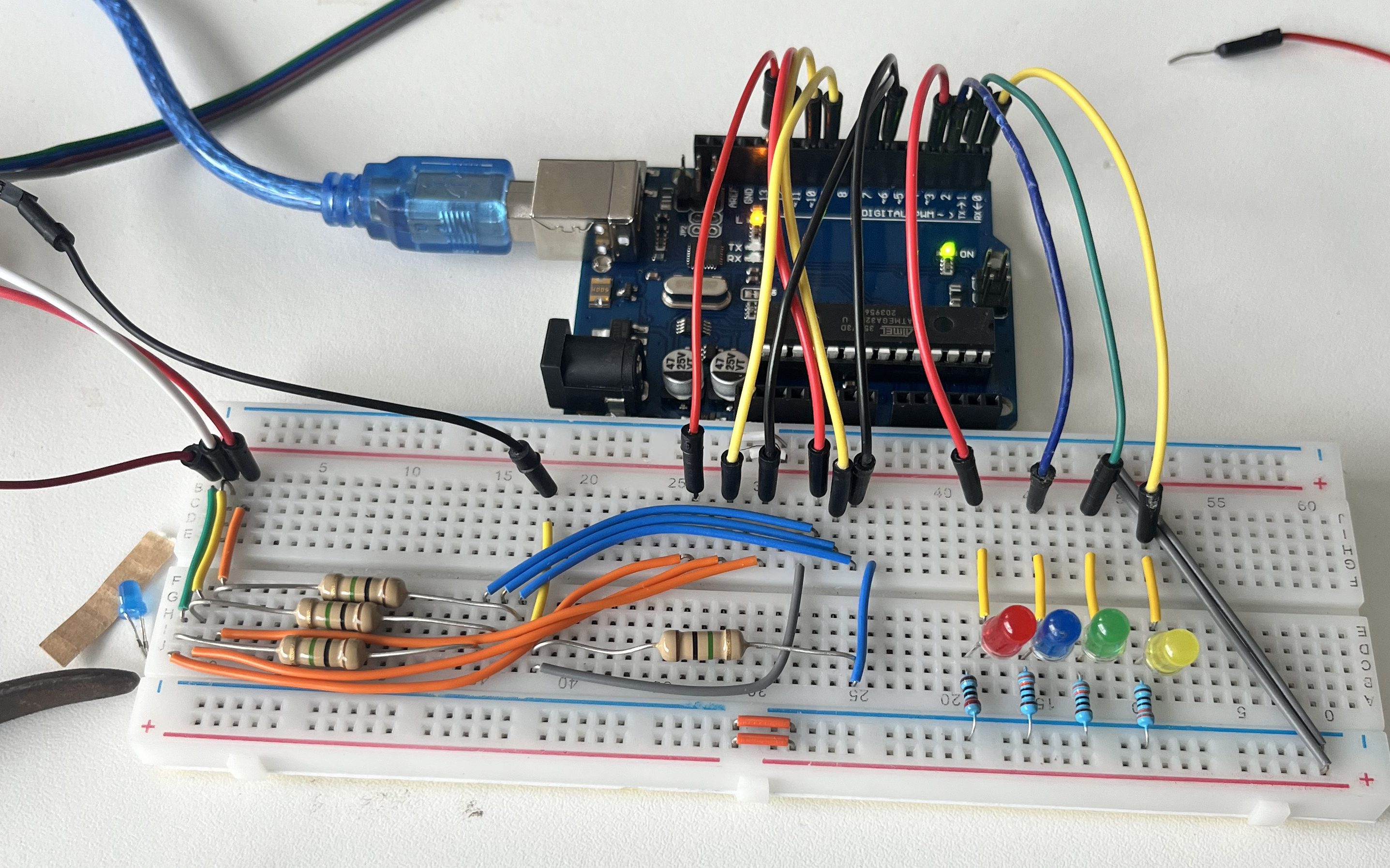
Here you can see the circuit for 4 capacitive touch sensors with 4 LEDs all connected up to the Arduino. I tried to keep the breadboard quite tidy, already thinking that if I end up not using laptop i can keep the circuitry and apply it to a different object.
And once the program was written and uploaded and after some troubleshooting and debugging it worked. Each of the four keys lit up a corresponding LED when pressed. This meant i had a proof of concept for 4 capacitive touch sensors.
Once this was all done I briefly messed about with the idea of the laptop screen closing as the user typed, re-imagining the object in a way that made it useless inspired by Marvin Minsky inspired Useless machines. But I found the small 9gram servos were just not powerfull enough and a bigger servo would be impossible to incorporate into the already chunky chassis of the laptop.

After this failed attempt I decided to retire the laptop and start thinking of new ideas…
Whilst in the studio trying to think of a new object to work with I just thought I’d grab the nearest thing to me, a mug. I wanted to keep the breadboard I had setup so began taping capacitive touch sensors to the mug
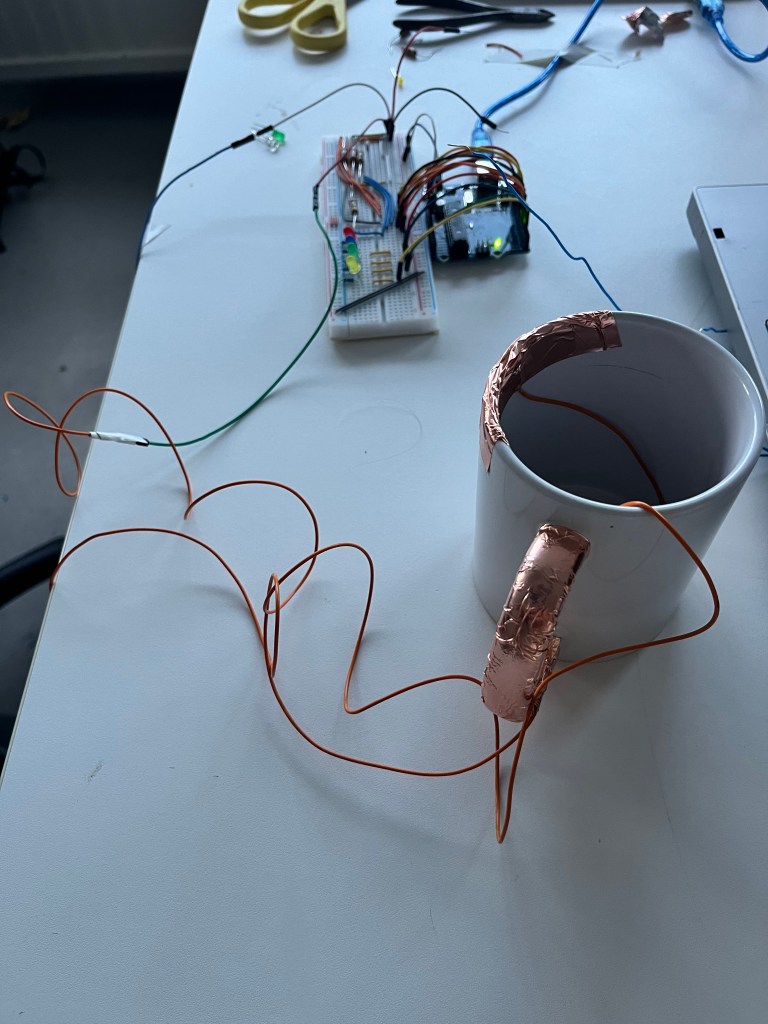
I tried to think about how the mug is interacted with and where best to place the sensors starting with the handle and the rim where you would drink from. I wasn’t completely satisfied with this mainly because I would have to have cables running off the mug and it would be impossible to integrate the Arduino into the mug. However I decided to keep going. As I had 4 sensors setup on the board I thought I should try use them so I thought on how else the mug is interacted with or more specifically how the mug interacts with everything else. This is where I had the idea for adding a coaster as a push button for knowing when the mug is picked up and put down.
Before I implemented this I had my tutorial to check in with progress. We decided that the mug was an interesting object to use however there are similar things that I can use the same principles of picking up drinking and holding but also be able to hide all the electronics inside. So we landed on using a water bottle.
However I didn’t want to just create a “smart bottle” that reminded you when to drink, I wanted to create a bottle that showed how intrusive these smart products. Inspired by a video from SuperFlux that demonstrated a few different “smart objects” and not only how intrusive they are but also how that might not be that smart. So I wanted to make a smart bottle that was as intrusive and annoying as it can be.
I went out and bought a cheap reusable plastic bottle and started by cutting the bottom off. I wanted all the electronics to be self contained and run the Arduino off a battery.
So once again using the same breadboard as a jumping off point I stated hooking up my outputs to the bottle. Led, piezo and a vibration motor.


Once these were all connected to the board I added two capacitive touch sensors to the bottle, one on the mouth piece as you can see above and one to the side to act as the “grip sensor”.
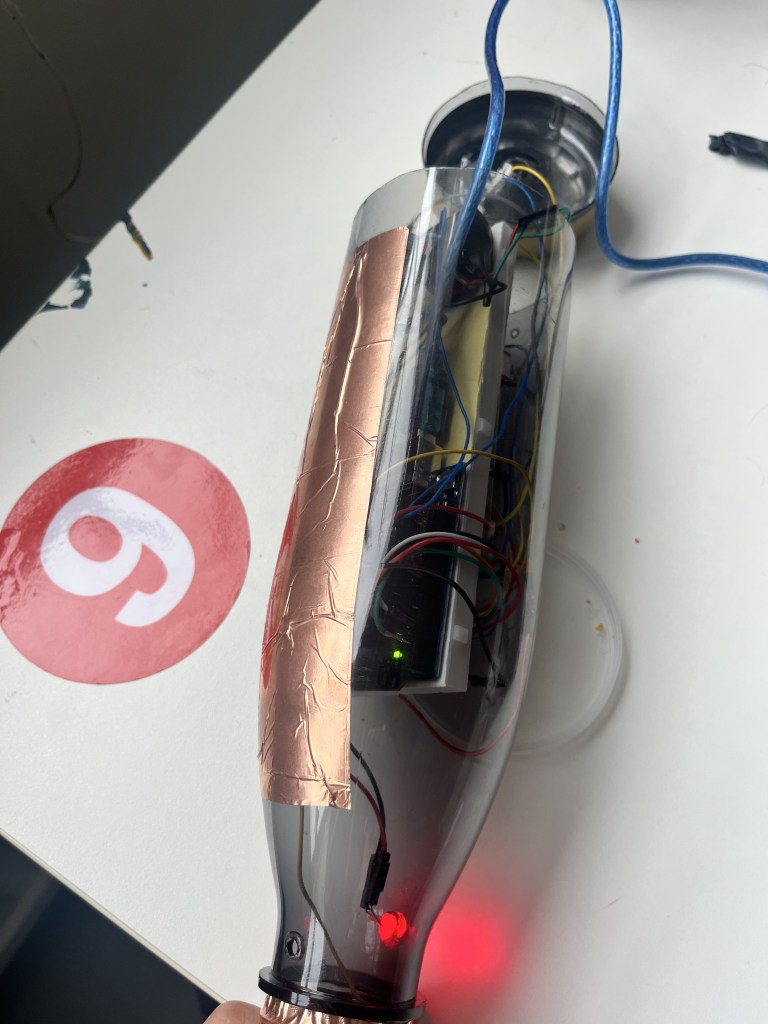
Now that I had my I/O setup I wanted to add a battery, on/off switch and then pack it all inside. I used a very simple 9v connector to barrel plug and wired a simple toggle switch to it so now I can run code on the Arduino after its all disconnected from the computer. My plan was to upload the code disconnect USB and then tape the base back on with copper tape as it would match the aesthetic of the already “gold” metal base.
Now I needed to work out how to code it. I knew that I wanted the bottle to be annoying, so if the user hadn’t drank it would remind them to do so using the outputs it has. However if the capacitive touch sensors are triggered it would know you have first picked up the bottle and then the mouthpiece would know that you have drank.
I started by programming the sequence of the bottle getting more annoying knowing that I had to fit it into a 60 second video I needed it to keep to time. The bottle would for the first 15 seconds flash the led, then the buzzer would slowly start beeping and then after 30 seconds the bottle would start vibrating, each of these individual outputs getting more and more intense as time passes. ie. the frequency of flashing, buzzing, and vibrating.
Once I had wrote all the functions for each output I needed to add the control of the capacitive touch sensors so that if the bottle was picked it up the outputs would become slightly less annoying but not stop until its actually drank from.
As I was testing this disaster struck… my laptop froze, restarted and when it came back to life it was all gone.
Deadline day
I decided to go ahead and attempt to film my video on Friday morning… its was somewhat successful.
 LEARNING JOURNAL