My inspiration for this project is a work by Bill Fontana… – Silent Echoes –
The artist here listened to the vibration emitted by the Finnieston Crane under the wind and Bill transformed the city’s icon into a musical instrument.
My aim was to do just this, however, not with the Finneston Crane but with the relatively new, Partick – Govan Bridge. I stay just 5 minuets from the bridge and often cross it going to the west end or even just the riverside museum. Its hollow, steel bridge deck and long, thick supporting cables give the bridge a reverberating quality. It really makes a lot of noise as you walk on it.
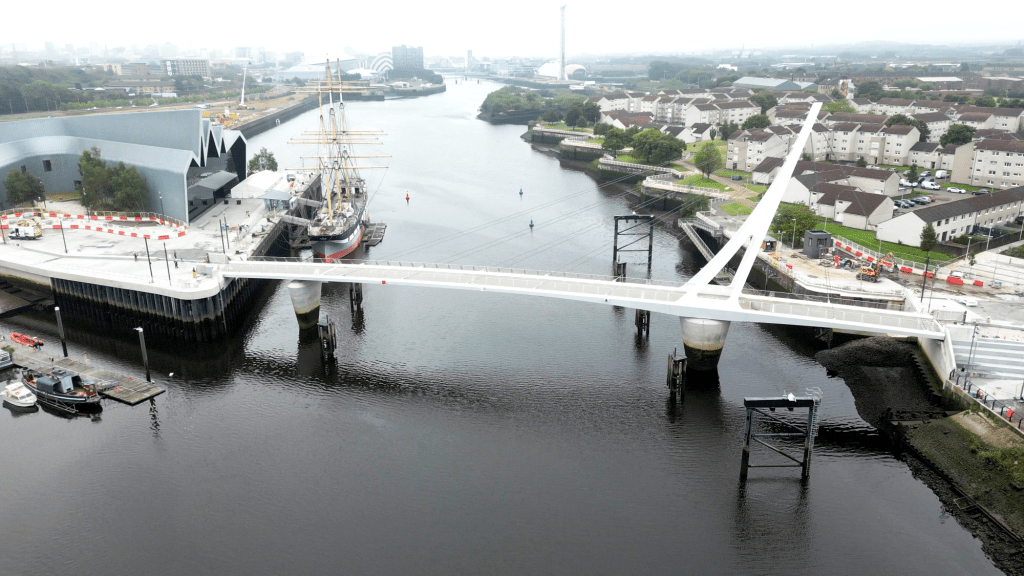
Govan – Partick Bridge
There are a few main objectives I needed to complete in order to make this work:
- Live streaming
- Network connection
- Device
- Power
- Microphone
- Audio interface
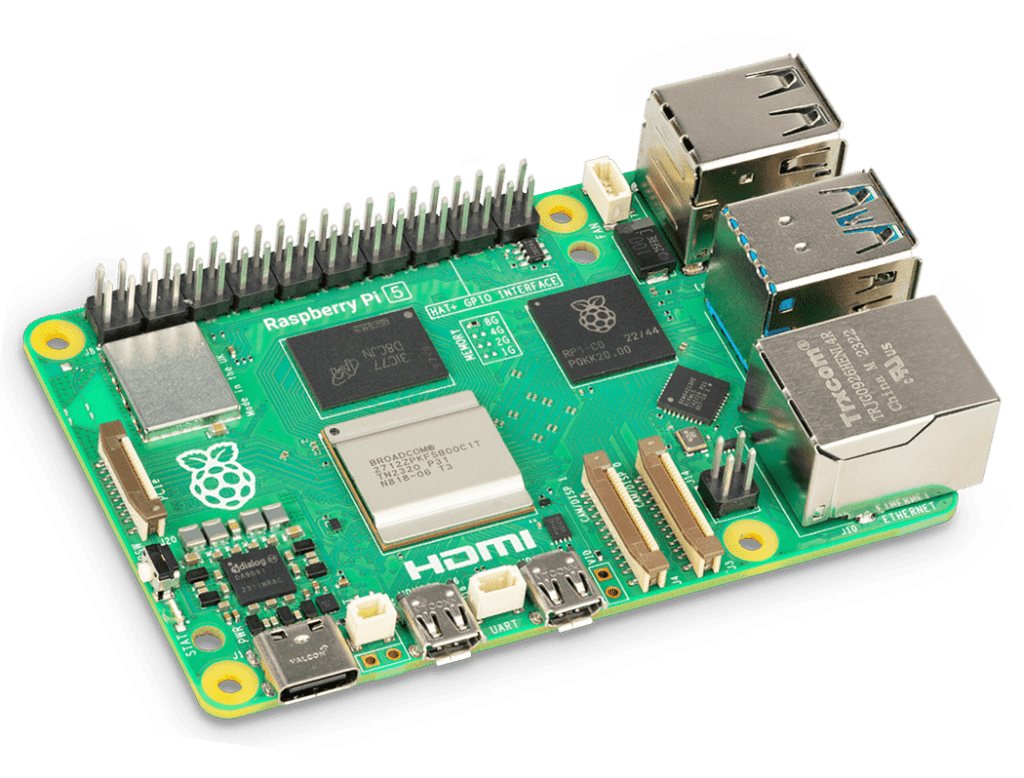
In terms of Live streaming, more specifically device choice, I decided to use a raspberry pi 4, for its built in wifi capability and small form factor. With regards to network choice, I was hoping to use the tall ships wifi network as the transport museum is just a bit far from the bridge and uses different authentication then I thought I’d be able to feasibly setup on the Pi.
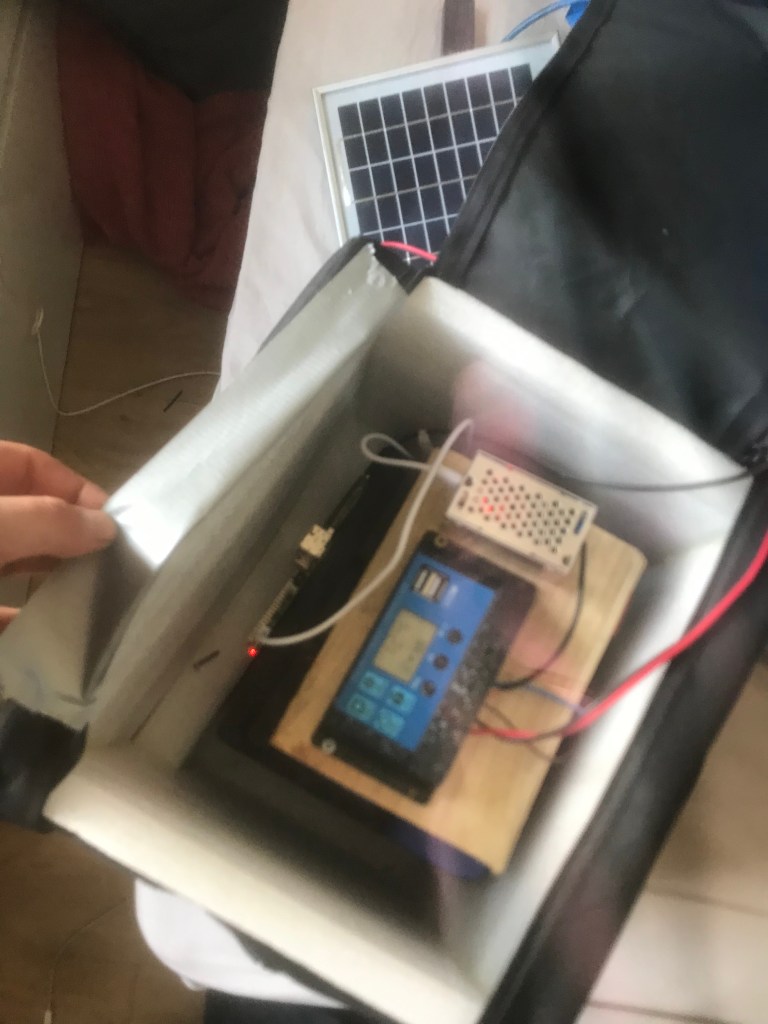
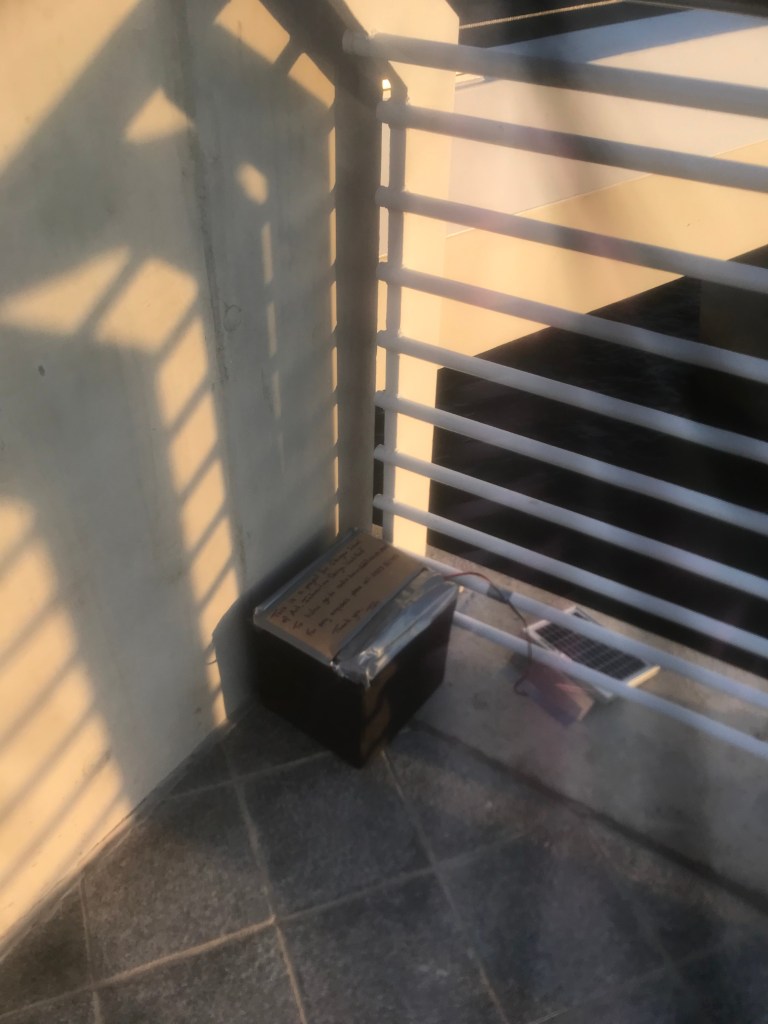
Power. I had a solar panel lying around that I found in a skip in Oxford, and a car battery from my old VW polo. These combined with a cheap charge controller and a DC Buck converter to USB, seemed like a great solution to power the setup from any location I can get on a network. – excuse the documentation quality, my phone is hanging in there –
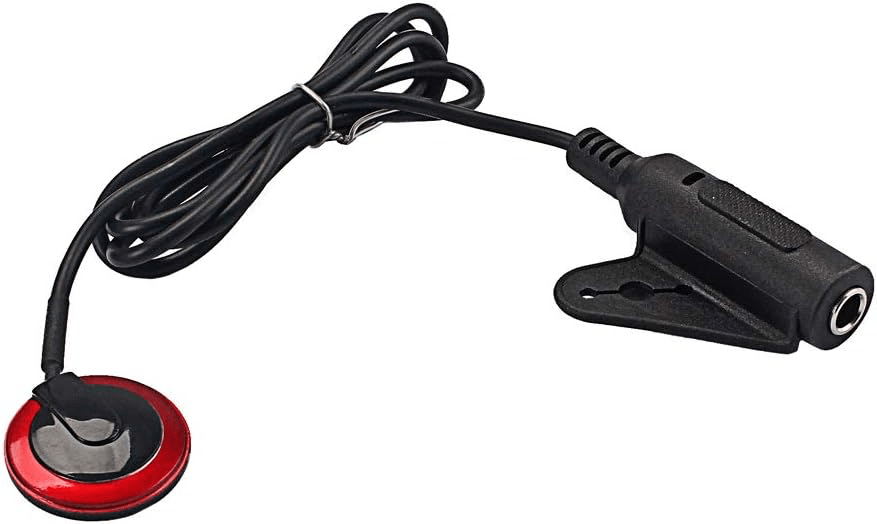
For a microphone I decided to use Amazons cheapest contact microphone, £8 or so. It gives a mono output, however my plan at outset was to use two of them to create a stereo output.
What limited this to a mono, single mic setup was my audio interface. With power concerns, budget and not wanting to leave expensive kit out for anyone to take I had to keep it cheap, and went for a very simple USB audio interface.
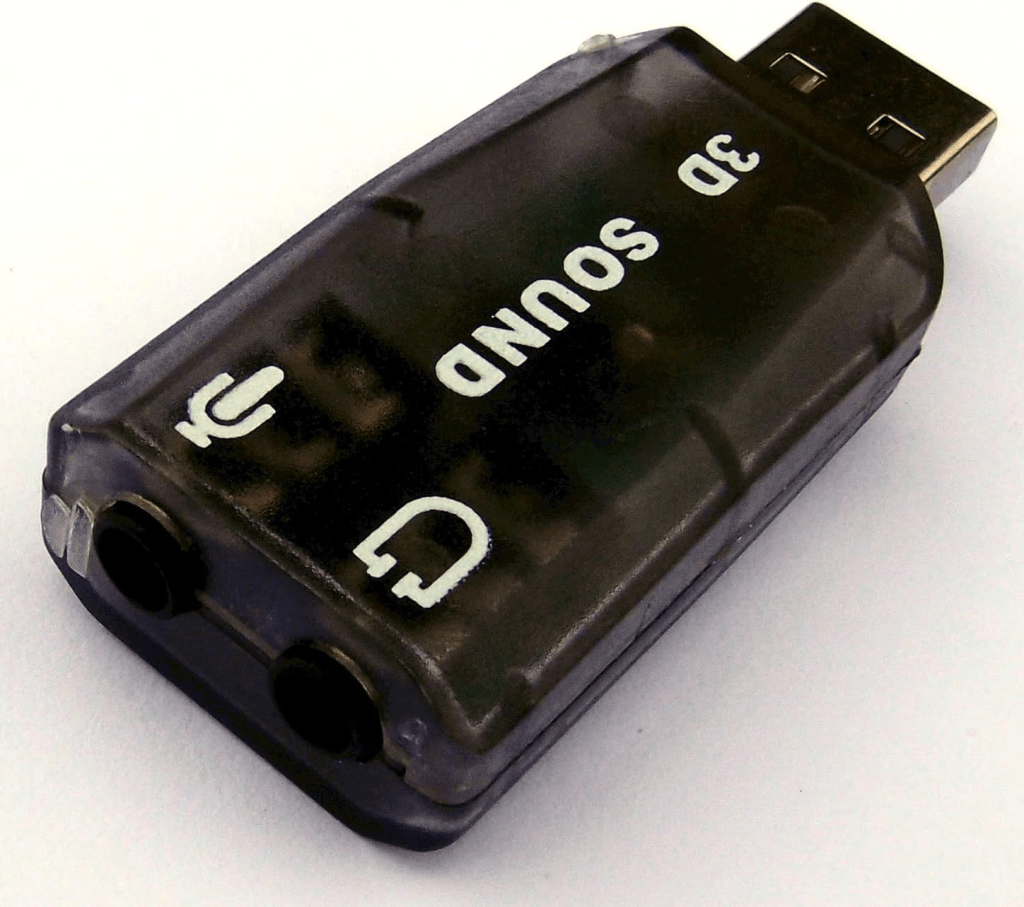
As you can see I had the entire setup in a padded back / box. With the solar panel sitting outside.
Networking
I set out (physically into the world), to explore the available networks. I soon found that my plan of using the tall ship wifi was a no go. The boat is currently closed till the summer season and so I had to ask a couple of guys who seemed to be security / working on it and they gave me a few passwords to try… no luck.
As I wandered round the area, the north side of the bridge, with my phone searching for wifi I cam across a network called “Cathodic TR”. A wifi network with a password. I was at this point quite fed up and worried about what I would do with no wifi, then I saw this network and realised kt was coming from this “lucy box” transformer.
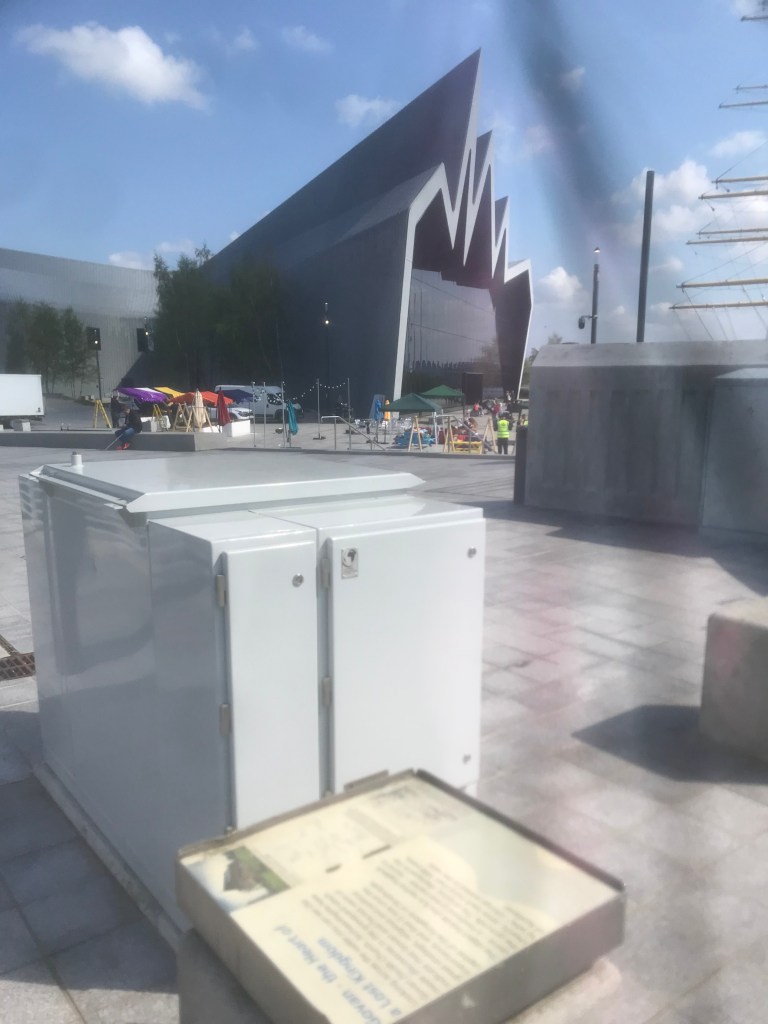
This grey box, here seen infront of the Transport museum, was producing a wifi signal. At this point with no other options I saw that there was a plate with information stamped into it on the side of the box. There was a 8 character serial number on this data plate so I entered it as the password. First attempt. And voila. I was connected, and with good signal strength at 10 yards away standing on the bridge with great speeds, beating the speed I get in the flat!
In order to connect the pi to this network since I was working out “in the field” as it were and did not have a monitor to connect the pi to, I used a USB to ttl serial connection to SSH into the pi over serial and connect the pi to the network. I was then able to setup the pi to connect to the network automatically on power up.
SOftware & servers
Whilst all this exploration was going on I also had to setup the actual streaming of the audio. To do this I used Icecast. Icecast is a streaming media project released as free software maintained by the Xiph.Org Foundation. It also refers specifically to the server program which is part of the project. I used an old desktop linux machine I had and setup the server on it, so any client can stream audio to it and then public clients can go to the servers address and listen to the audio. If only it was that simple.
There are two main objectives here:
Create the server & streaming client that sends data to the server
Allow that server to be accessed by the public internet.
First I needed to setup the pi to stream the audio to the Pi. To do this I used a program called Darkice. Darkice is a audio streamer that sends encoded audio to a server. This will run on the Pi as a system service so that it runs on startup, so that if we lose power for any reason when it comes back say if solar goes low and the battery needs to recharge, then the streamer will kick back in and automatically connect to my server.
Here is the config file from the pi:
[general]
duration = 0
bufferSecs = 5
reconnect = yes
[icecast2-0]
bitrateMode = cbr
format = mp3
bitrate = 128
server = radio.tomriddell.co.uk
port = 8000
password = hackme
mountPoint = MacRadio
name = Mac Radio
description = Raspberry Pi Internet Radio
genre = Live
public = yes
You can see here that the radio adress is “radio.tomriddell.co.uk”, This is a domain not an IP of the server as I added the IP of the server as a AA record to my DNS records on my domain that I own “tomriddell.co.uk”
This means the raspberry Pi is setup to stream but people currently outside of the network cannot access the server, including the pi. This means I need to make the server accessible to the public internet, and my router needs to accept incoming traffic.
This requires some port forwarding. First of all I had to request a static IPv4 address from my ISP so that the IP of the server that i added to my DNS records does not change, this would require all the clients to also move to that new IP each time.
After receiving the IPv4 address from hyperoptic, not for free! I was able to add the port forwarding rules to my NAT settings.
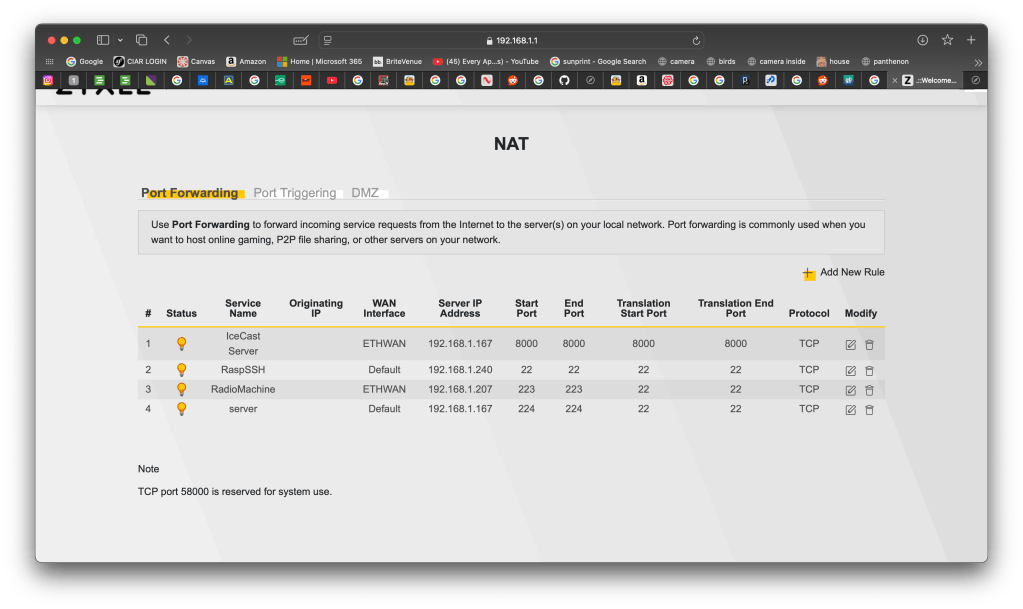
You can see I have a few rules setup for a frew clients and other things inside my network. Most of the rules are for port 22 so I can SSH into my machines remotely.
Review
Evening before the review I went down to the bridge and put everything in place ready for the Friday.
The mic was stuck on the the end of the bridge, and a long 10m AUX ran the signal back to the Pi round the corner.
I left a note explaining very simply what it was and left my number incase there was an issue.
I very stupidly did not record the audio and only live streamed, once it was setup anyone with the address was able to listen to the sounds of the bridge.
I titled the piece: Stream under a bridge.
The piece stayed in place for about 24 hours powered, self sustaining. So long as the setup had a network connection I can stream from anywhere in the world and anyone in the world can listen. It is essentially an internet radio station. I could used a data hotspot as the network connection and this project could become boundless.
I have gone on to setup a radio station of sorts:
http://radio.tomriddell.co.uk:8000/MacRadio.m3u
Wrap up
I really enjoyed the technical challenges o
f thus project and getting each process to work together.
It was exciting to try emulate a work that has already been done with no budget or real experience in that area.
I am annoyed I wasn’t able to make it stereo however it would not be hard to do so if I revisit this idea in the future, but finical and power concerns meant that It ended up being a mono track.
 LEARNING JOURNAL
Leave a comment